A card MMORPG on your phone: a handy interface and settings for playing in landscape
A card MMORPG on your phone with no download: how the screen works, which settings help you play in landscape one-handed, and what changed in November.
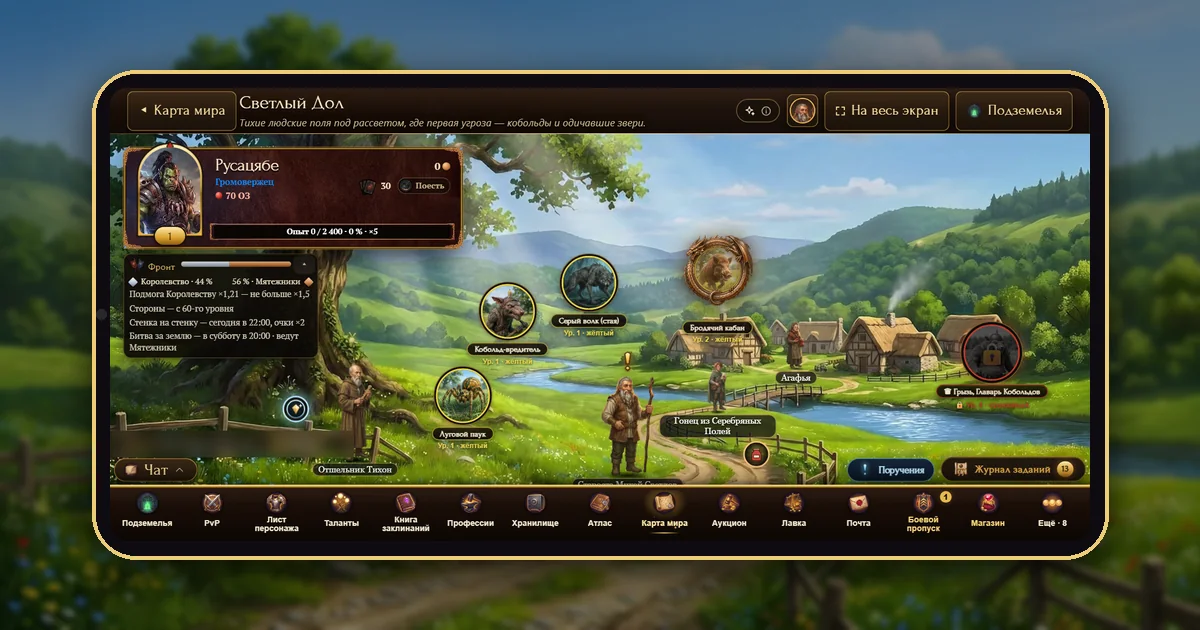
A card MMORPG on a phone packs a lot onto a small screen: a hand of cards, your party’s Health, effects on fighters, chat and section buttons. Whether it is comfortable to play comes down to the interface. This article shows how it works in Zarhold, a free browser MMORPG with card combat, and which settings to change to play lying down, on the go or one-handed. Everything is as of update 0.9.782 from 26 November 2026.
A phone in landscape: a screen for battle
Zarhold is played in landscape: that way the battle board and the cards use the full width of the screen. If you hold the phone upright, the game asks you to rotate it. There is nothing to download, the game opens in the browser, and the Fullscreen button in the header hides the address bar. It is even handier to add a shortcut to your home screen: how to do it on Android and iPhone is in the knowledge base: Playing on a phone or tablet.
One account works on every device: a couple of fights on the phone in the morning, a raid on the PC in the evening, same hero and gear. More: “An MMORPG for phone and PC with the same hero”.
What changed in November
- A compact effects window. Tap a fighter and their effects window on a phone in landscape is now compact: the font matches the board tooltips, icons sit above the description, and a long description scrolls. The “A− / A+” button in the window header brings back the large font, and the choice is remembered for the hero.
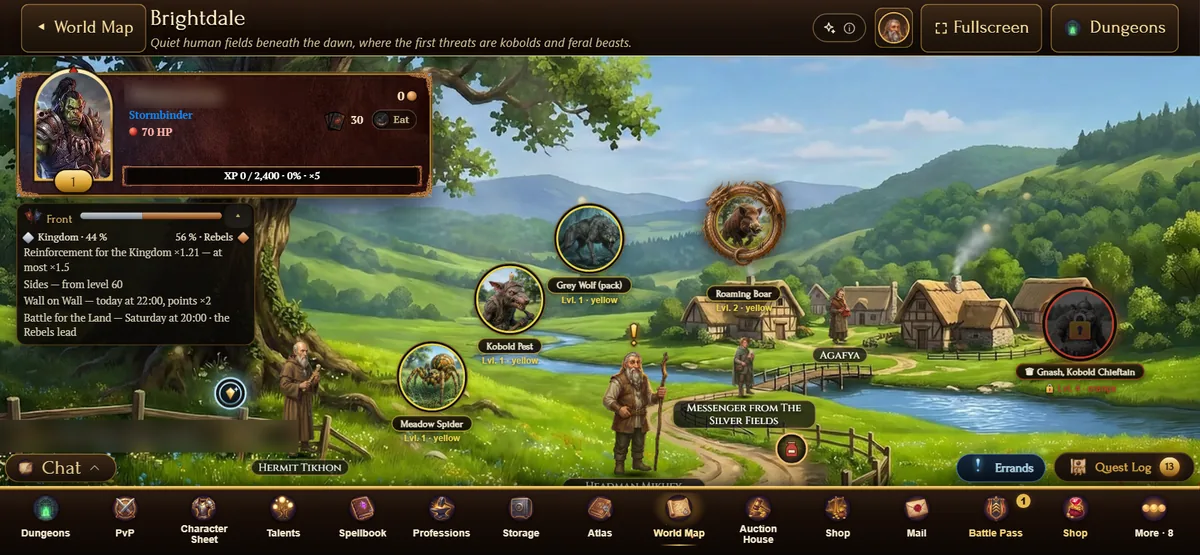
- The hero banner collapses into a medallion. On the map and in the capital, the banner with the portrait, level and experience can be collapsed with the “−” button in its corner: a medallion with the portrait, level and experience ring stays, and the map is fully visible. Tap the medallion to expand the banner again. The button appears after the tutorial, and the choice is remembered on the device.
- The hero panel and the enemy column no longer jump during a fight: no more chasing a button that just moved.
One-handed combat: the First card button
On a phone, next to End turn, there is a “⚡ First card” button: one tap, one card. It plays the first card in your chosen hand order that you have enough crystals for, with the same target as a normal tap. The button never ends your turn, and a soft green rim shows in advance which card it will play.
- Where it is: fights in the world and normal dungeons.
- Where it is not: heroics, mythics, Mythic+, raids, world bosses and any PvP. Every card counts there.
- When: it is on by itself for heroes below level 30, after that it is your choice in Settings → Combat. On a PC the “1” key does the same.
The “⇅” button changes the hand order: “By cost ↑” (the default), “By cost ↓”, “As drawn” and “By role”.
Settings worth changing
- Settings → Combat → Card text in battle. Five views: “Short line”, “Gems on the art”, “Numbers first”, “Full text” and “Full, large”. The short views show numbers and icons instead of paragraphs; the full text opens from the i icon on the card and a long press. If you have not chosen, “Short line” is on from level 10. The choice is stored on your account, the same on every device.
- Settings → Graphics → Calm combat. Combat without full-screen flashes and blinking. If you do not choose, it turns on by itself when your phone has “Reduce motion” enabled.
- Settings → Combat: the First card button and the highlight. Keep them on after level 30 too if you like playing one-handed.
All settings by section: Settings in the knowledge base.
Who a card MMORPG on a phone is for
- People who play in short bursts: combat is turn-based, so you can think it through on the bus.
- People who want a full MMORPG with no download: dungeons and raids with friends, the arena, guilds and professions.
- People who play on both a phone and a PC with the same hero.
Who it is not for: if you want real-time action. Here every turn is cards and planning. What card combat is: “Card MMORPGs: what they are”.
Card MMORPG on mobile FAQ
Can you play a card MMORPG on a phone with no download?
Yes. Zarhold opens in your phone’s browser, and a home screen shortcut opens the game full screen, like an app. It is the same account as on the PC.
Why does the game ask me to rotate my phone?
Zarhold is played in landscape: that way the battle board and the cards use the full width of the screen. Turn on auto-rotate if the screen does not rotate.
How do I make the card text bigger?
Settings → Combat → Card text in battle → “Full, large”. In a fighter’s effects window, the “A− / A+” button brings back the large font.
Can you play one-handed?
Yes, in fights in the world and in normal dungeons: the “⚡ First card” button plays one card per tap. It is not available in heroics, raids or PvP.
Zarhold at a glance
- Zarhold: a free browser MMORPG to play in any tabWhat a browser MMORPG is, how to choose one and what Zarhold offers
- Cross-Platform MMORPG with Cross Progression: ZarholdOne hero on PC, Mac, phone and tablet, and how it works
- Mobile MMORPG for Android, iPhone and iPad: ZarholdHow to play an MMORPG on Android, iPhone and iPad in the browser
- MMORPG for Mac and MacBook: Zarhold in your browserWhich MMORPGs run on macOS, and how to play Zarhold on a MacBook with no install
- Games like Albion Online: Zarhold and 6 moreWhat Albion Online does well, who Zarhold suits, and six more games like it
- MMORPG for Windows 10 and 11: Zarhold, no downloadAn MMORPG for Windows 10 and 11 or a laptop: no client, no patches, no gigabytes
Read next
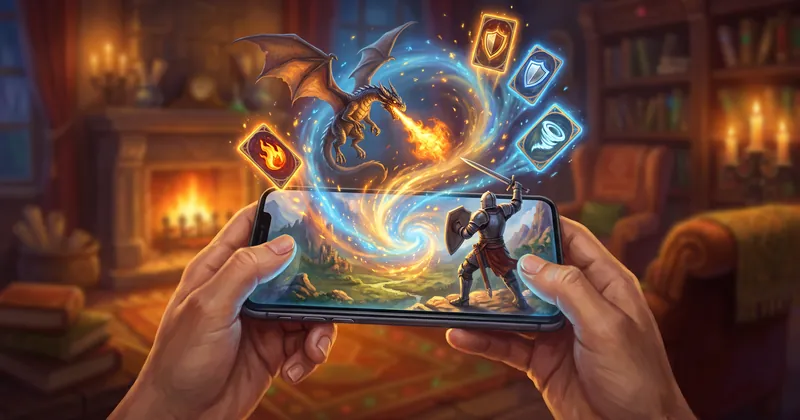
Free MMORPG on your phone with no download: how to play on Android and iPhone
An MMORPG on your phone without an app store: Zarhold runs in the Android and iPhone browser, pins to your home screen and shares your hero with your PC.
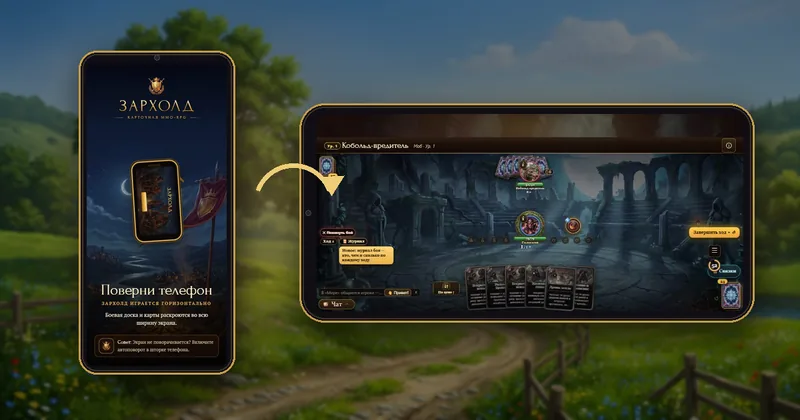
Playing Zarhold on Your Phone via Telegram: Screen, Gestures and Tips
How to play Zarhold comfortably on your phone in Telegram: full screen and rotation, the Back button, gestures, First card, weak connections and battery.
An MMORPG for phone and PC with the same hero
An MMORPG for phone and PC with the same hero: which games can do it, how to switch devices and how to continue a dungeon run right in your browser.