Cross-platform MMORPG: one hero on PC, phone and Mac
Zarhold is a cross-platform MMORPG: one hero on PC, Mac, Android and iPhone, one world shared with Telegram. Compared with Albion Online and RuneScape.
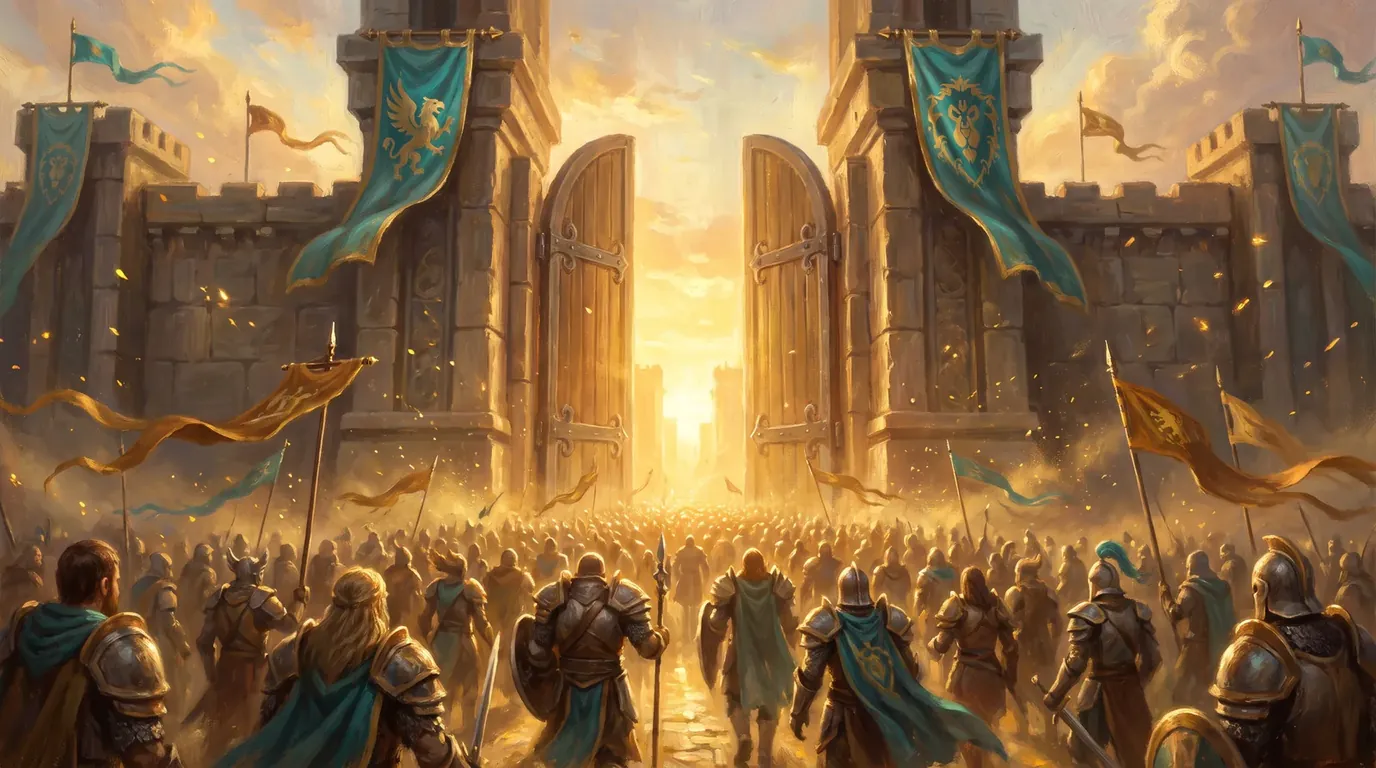
In Zarhold, one hero lives on your Windows PC, your Mac, your Android phone, your iPhone and your iPad at the same time: it’s a free cross-platform MMORPG that runs in the browser, with turn-based card combat. There’s nothing to install on any device: sign in to the same account and your level, items, gold and guild are all there. The same world also opens in Telegram.
Below: what “cross-platform” really means for an MMORPG (it’s three different promises), the routes games take to get there, how well-known games handle it, and where Zarhold’s honest limits are.
Cross-platform MMORPG: three different promises
People use “cross-platform” for different things, and games often deliver only some of them.
- A shared world, or cross-play. Players on phones and computers meet in one world: they run dungeons together, trade and fight in the same arena.
- Shared progress, or cross-progression. One hero across every device: start on your phone, carry on at your computer from the same spot.
- Shared purchases. What you buy on one device doesn’t vanish on another.
Zarhold covers all three. There’s one world for every platform, your hero is stored on the server, and what you buy belongs to your account rather than to a phone or a PC.
Three routes to cross-platform play
A separate version for each device
Most well-known MMORPGs work this way: a client on your computer, an app from the store on your phone, and a shared account tying them together. The upside is that each version can be tuned for its own controls and graphics. The downside is that you install, update and free up space on every device separately.
One browser game everywhere
The game opens from a link, and it’s the same game on any screen. There’s nothing to install, and updates happen on their own. The price is that you need a browser and a connection, and the graphics are usually simpler than in heavy 3D clients. Flyff Universe and Zarhold both work like this. More on the format itself: browser MMORPG.
Platforms with their own sign-in
Games also launch on platforms such as Steam or Telegram. There you sign in with the platform’s account, and it’s worth checking whether that’s the same hero as on the website or a separate one. In Zarhold the world is shared across platforms; how to connect your sign-ins is covered below.
Comparing cross-platform MMORPGs
These are the games most often suggested for “an MMORPG on PC and mobile with shared progress”. Details are as of November 2026, taken from the games’ official pages and store listings.
| Game | Devices | What you install | Shared progress | Combat | Payment |
|---|---|---|---|---|---|
| Zarhold | Windows, Mac, Linux, Android, iPhone and iPad in the browser; Telegram; VK Play | nothing; a home screen icon if you like | yes, one account on every device | turn-based, a deck of ability cards | free; no gameplay advantage for sale |
| Albion Online | Windows, Mac, Linux, Android and iOS | a client on PC, an app on phone | yes, one account on every platform | real time | free, with Premium status |
| RuneScape | Windows and Mac, Android and iOS | a client or Steam on PC, an app on phone | yes, and membership carries over too | real time | free, with paid membership |
| Old School RuneScape | Windows and Mac, Android and iOS | a client or Steam on PC, an app on phone | yes, same account and same worlds | real time | free, with paid membership |
| Eterspire | Android and iOS, Windows and Mac | an app on phone, Steam on PC | yes, between phone and Steam | real time | free, with in-app purchases |
| Flyff Universe | browser on PC, Mac and phone | nothing | yes, it’s one game in the browser | real time | free, with an item shop |
What this tells you:
- Albion Online, RuneScape, Old School RuneScape and Eterspire share progress through your account, but each device needs its own install. If you don’t mind installing and you want real-time combat, that works well.
- Old School RuneScape isn’t the same as RuneScape: it’s a separate game with its own worlds and its own progress.
- Eterspire states on its Steam page that there are no paid top-tier weapons or instant power shortcuts.
- Flyff Universe and Zarhold skip installation entirely and differ in combat: real time there, turn-based card play here.
If games in the vein of Albion Online are what you’re after, see games like Albion Online. All names belong to their owners, and we’re not claiming any of these games is better than another.
How one hero works in Zarhold
What lives on your account
Everything important is stored on the server, not on the device:
- up to ten heroes, with their levels, talents and decks;
- items and gold: bags, each hero’s bank and the account-wide shared chest;
- arena rating, mail, friends and your guild;
- your hotkeys;
- an unfinished dungeon or raid run: the server keeps it for up to 7 days, and on another device you just open Dungeons and press Continue the run.
Which sign-in works where
- The website, in any browser. Email and password, Google or Telegram. You can also start without signing up and link an email later: the Save your hero window appears at level 5, and Save progress in the More menu works at any time.
- Telegram. A Mini App in the @zarholdsBot bot, signed in with your Telegram account. Link Telegram to your main account in your account page on the website or in the game under Settings → Account → Link Telegram. After that, Telegram opens your heroes.
- VK Play. Zarhold also runs on VK Play, a Russian game platform. Players there can open the same hero on the website with a one-time code from the game.
How the platforms fit together is covered in more detail in one world for all: Zarhold on Telegram, the website and VK Play.
What depends on the device
- Screen. On a phone the game plays in landscape only: the battle board needs the width.
- Controls. On a computer you play cards with the number keys, and by default E uses your class power, Q your racial ability and R replays a fight; every key can be rebound. On a phone everything is a tap, and next to End turn there’s a ⚡ First card button that plays the first card in your hand order that you can afford.
- Size. Enlarge interface is set separately on each device, since a phone and a monitor need different scaling.
- Tooltips. What a computer shows on mouse hover, a phone opens with a tap, and item comparison appears as a table.
A day with one hero
Here’s what it looks like in practice. On the morning commute you finish a couple of quests on your phone and list some spare loot on the auction house. At lunch you open the game in a browser on your Mac, check the guild chat and agree on a raid. In the evening you sit down at your PC and take on the boss with four friends.
A dungeon run you started on your phone won’t be lost if you couldn’t finish it: the server holds it for up to 7 days. If your connection drops mid-fight, you have 5 minutes to get back: your party spot is held, and a 1v1 arena match picks up from the same turn. Every detail of switching devices is in an MMORPG for phone and PC with the same hero.
Start on whatever device is nearest: open Zarhold in the browser, then sign in to the same account on the next one.
Limits worth knowing up front
- No playing on two devices at once. Logging in on a new device closes the game on the old one. Your progress is kept.
- A guest hero is tied to the browser. While you play without signing up, you can only get back to your hero from the same browser. Link an email and the hero is available everywhere.
- Telegram starts with its own account. Until you link Telegram to your main account, it holds a separate hero.
- You need a connection on every device: there’s no offline mode.
- Steam isn’t out yet. We’ll explain how sign-in and progress work there when it launches.
- There’s no app in the stores yet. On a phone the game opens in the browser, and a home screen icon works like an app icon. The Play on any device page shows how to add one on each device.
How to check any game for real cross-platform support
Before you put months into a hero, check five things. It takes ten minutes.
- A shared account. The official page should say progress is shared, not just that the game is “available on iOS and Android”.
- Every mode on mobile. Sometimes the phone version is cut down or arrives later.
- Shared purchases. Things bought through a mobile store don’t always show up on PC.
- One world. Some games run separate servers per platform or region.
- Controls. If combat needs a mouse and a dozen keys, a phone will feel cramped. Turn-based combat moves to a touchscreen most easily.
Who cross-platform Zarhold suits
- Players who game in short bursts on different devices and don’t want to choose where their main hero lives.
- Mac owners and anyone whose computer can’t run a heavy client: there’s a separate page on an MMORPG for Mac.
- Players who mostly use a phone: see a mobile MMORPG for Android and iPhone.
- Friends and couples with different devices: one on an iPhone, one on Windows, with the same party and guild.
Frequently asked questions
What does cross-platform MMORPG mean?
An MMORPG you can play from different devices in one world with shared progress. In Zarhold one account works on a computer, a Mac, a phone and a tablet, and the world is shared with Telegram and VK Play.
Do I need a separate account for my phone?
No. Sign in on your phone the same way you do on your computer: the same email, the same Google account or the same Telegram. Your hero, items and gold will be the same.
Can I play on PC and phone at the same time?
No. Logging in on a new device closes the game on the old one, and your progress stays on the server.
How do I get my website heroes into Telegram?
Link Telegram to your account: in your account page on the website, or in the game under Settings → Account → Link Telegram. Once linked, Telegram opens your heroes.
Can I start a dungeon on my phone and finish it on my computer?
Yes. The server holds an unfinished run for up to 7 days. On the other device, open Dungeons and press Continue the run.
Is there a mobile app?
Not in the stores yet. The game runs in your phone’s browser, and you can add it to your home screen so it opens full screen like an app.
Will progress be shared with Steam?
The Steam release is being prepared. We’ll explain how sign-in and progress work there when it launches.
- Zarhold: a free browser MMORPG to play in any tabWhat a browser MMORPG is, how to choose one and what Zarhold offers
- Mobile MMORPG for Android, iPhone and iPad: ZarholdHow to play an MMORPG on Android, iPhone and iPad in the browser
- MMORPG for Mac and MacBook: Zarhold in your browserWhich MMORPGs run on macOS, and how to play Zarhold on a MacBook with no install
- MMORPG for Windows 10 and 11: Zarhold, no downloadAn MMORPG for Windows 10 and 11 or a laptop: no client, no patches, no gigabytes
- Games like Albion Online: Zarhold and 6 moreWhat Albion Online does well, who Zarhold suits, and six more games like it
Further reading on the blog
- An MMORPG for phone and PC with the same hero
- One World for All: Zarhold on Telegram, the Website and VK Play
- Zarhold on Telegram: How to Play the Card MMORPG Right in Your Messenger
- Free MMORPG on your phone with no download: how to play on Android and iPhone
- Zarhold review: a free card MMORPG in your browser, from A to Z