Zarhold on Telegram: How to Play the Card MMORPG Right in Your Messenger
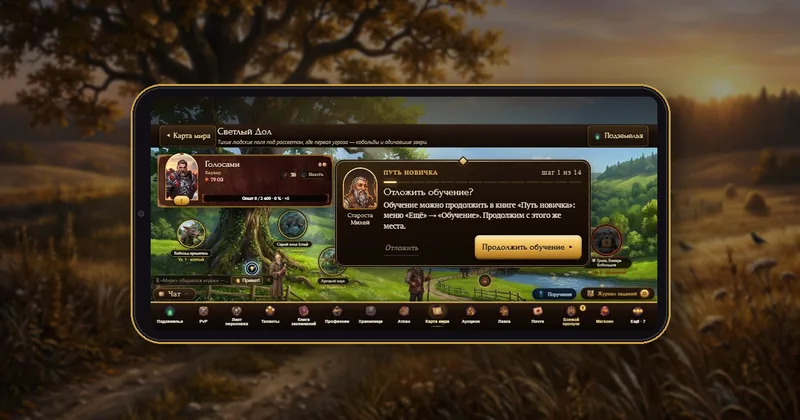
Zarhold is officially on Telegram: open the game from the @zarholdsBot bot, sign in with Telegram and play on phone or PC in the same world as the website.
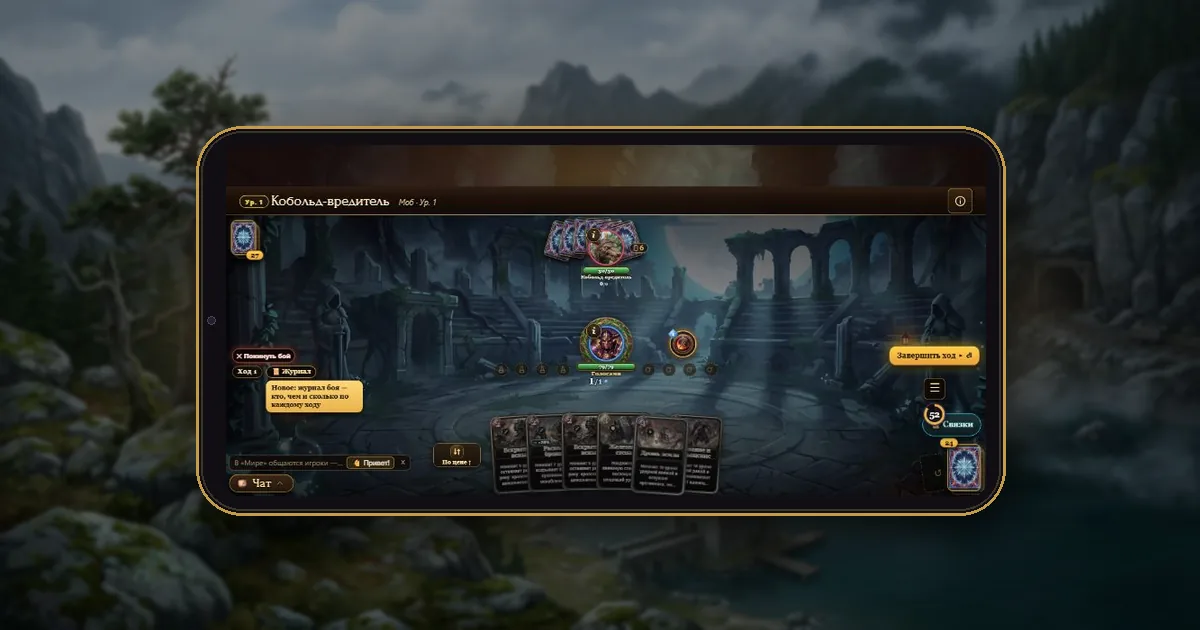
Since 20 November 2026 Zarhold is officially on Telegram. It is the same card MMORPG you can play on the website and on VK Play, but it opens right inside the messenger: no download, no separate sign-up, full screen. Below: how to start, where it works and how the Telegram version differs from the browser game.
How to start playing Zarhold on Telegram
- Open t.me/zarholdsBot/play or find the @zarholdsBot bot in Telegram and tap “Play”.
- Turn your phone sideways. The game opens full screen.
- Tap “Play” on the title screen and create a hero: race, class and name.
- Play your first battle. After that the newcomer tutorial guides you, and the world opens up as your hero grows.
You sign in with your Telegram account. No email, no password: your hero is saved to your Telegram and stays there when you close the app.
What Zarhold is
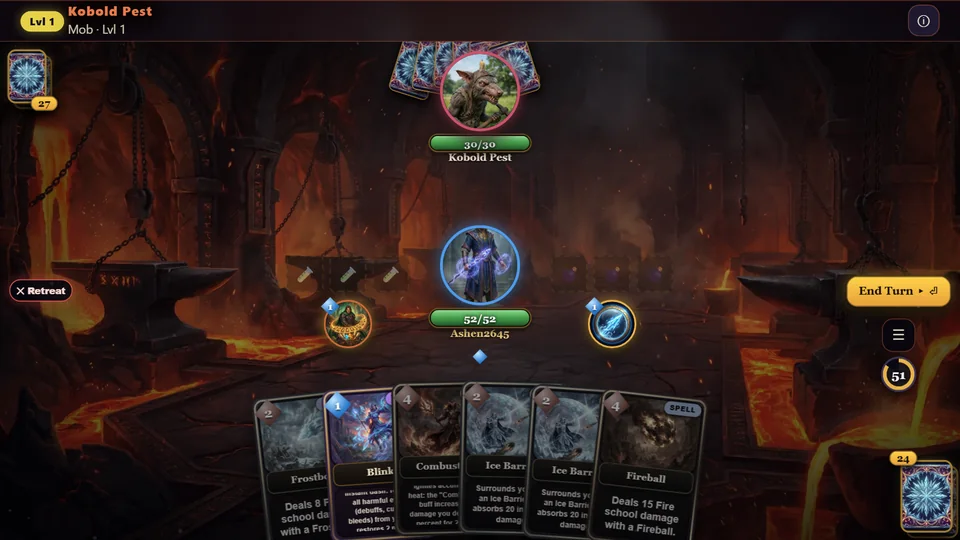
Zarhold is a free MMORPG where every fight is a duel of ability decks. You level a hero up to 60 in a world of 26 lands, run dungeons and raids with other players, fight in the arena, join a guild and trade at the auction.
- 10 classes and 11 races: tanks, healers and damage dealers, each class with its own deck.
- Turn-based combat: 6 cards in hand, cards cost crystals, and once per turn you can use your Class Power. More in How combat works.
- Dungeons and raids: 23 dungeons for three players, 6 raids and 3 world bosses for five.
- PvP: arena 1v1, 2v2, 3v3 and 5v5, a battleground and duels.
The full story of the game: Zarhold review, from A to Z.
Where you can play on Telegram
- Phone, Android and iPhone, in the Telegram app. Sideways is best: the board and the cards fill the whole screen.
- Computer, in the Telegram desktop app: the game opens full screen there too.
- Telegram Web in a browser: the game opens in the messenger's window.
No Telegram at hand? The same Zarhold runs on the website: play in your browser.
How the Telegram version differs from the website
It is the same world. The differences are few, and all of them are about signing in and comfort:
- Sign-in with your Telegram account, no email and no password.
- Telegram's “Back” button works as the game's “Back”: it closes a window or takes you to the previous screen.
- A stray gesture won't close the game: swiping on the board doesn't minimize the app, and Telegram asks before closing it.
- No purchases inside Telegram. The game is free, and the Zarhold shop is on the official website: the in-game “Shop” button opens it in your browser.
How Telegram, the website and VK Play connect is explained in One world for all. Phone tips are collected in Playing Zarhold on your phone via Telegram.
Coming soon
- Linking Telegram to an existing account. If you already play on the website, Telegram currently opens a new account. Soon you will be able to link Telegram to your own account, and Telegram will open your heroes.
- Signing in to the website with Telegram. A “Sign in with Telegram” button is coming to the website.
Zarhold on Telegram FAQ
Is this the official version of the game?
Yes. There is one official link: t.me/zarholdsBot/play, and the game's bot is @zarholdsBot. News and player chat live in our group @zarholdgame.
Is it free to play on Telegram?
Yes. Nothing is sold inside Telegram; the game's shop is on the official website.
Do I need to download anything?
No. The Telegram app or Telegram Web is enough.
I already play on the website. Will my hero be on Telegram?
Not yet: Telegram creates its own account. Linking Telegram to an existing account is coming soon, and then Telegram will open your heroes.
The game won't turn sideways. What should I do?
Turn on auto-rotate in your phone's quick settings. The game itself reminds you of this on the “Rotate Your Phone” screen.
Zarhold at a glance
- Zarhold: a free browser MMORPG to play in any tabWhat a browser MMORPG is, how to choose one and what Zarhold offers
- Cross-Platform MMORPG with Cross Progression: ZarholdOne hero on PC, Mac, phone and tablet, and how it works
- Mobile MMORPG for Android, iPhone and iPad: ZarholdHow to play an MMORPG on Android, iPhone and iPad in the browser
- MMORPG for Mac and MacBook: Zarhold in your browserWhich MMORPGs run on macOS, and how to play Zarhold on a MacBook with no install
- Games like Albion Online: Zarhold and 6 moreWhat Albion Online does well, who Zarhold suits, and six more games like it
- MMORPG for Windows 10 and 11: Zarhold, no downloadAn MMORPG for Windows 10 and 11 or a laptop: no client, no patches, no gigabytes
Read next
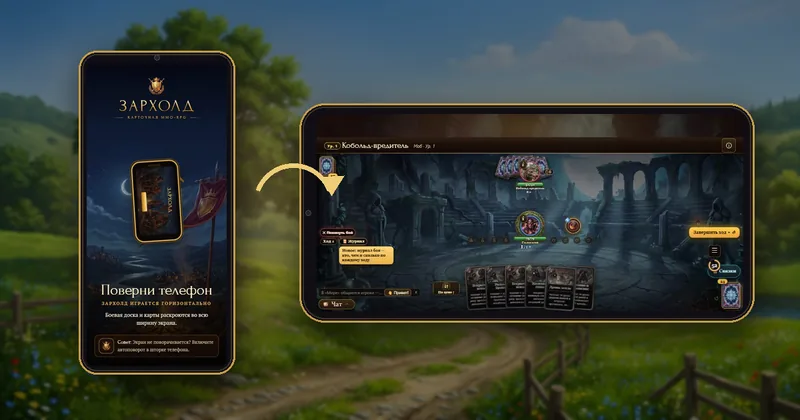
Playing Zarhold on Your Phone via Telegram: Screen, Gestures and Tips
How to play Zarhold comfortably on your phone in Telegram: full screen and rotation, the Back button, gestures, First card, weak connections and battery.
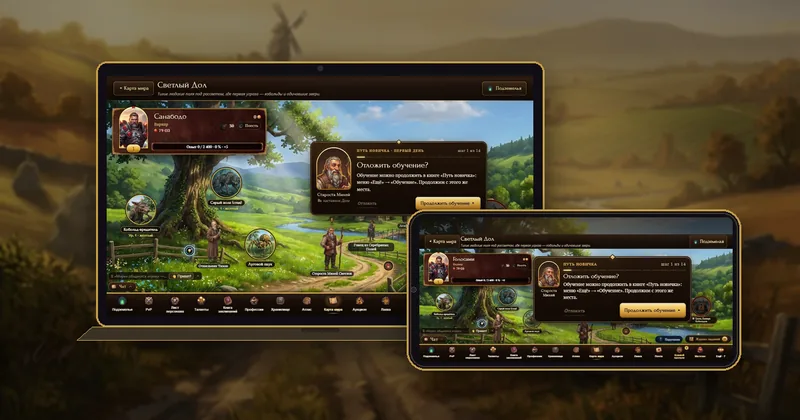
One World for All: Zarhold on Telegram, the Website and VK Play
Zarhold on Telegram, the website and VK Play is one world: shared chat, groups, guilds and arena. How accounts and purchases work, and what is coming soon.
MMORPGs on Telegram: What to Play in 2026
MMORPGs on Telegram in 2026: an honest look at Zarhold, Ligmar Online, Chat Wars, Wasteland Wars and Fly Angels, and how a mini app differs from a bot.