A cross-platform MMORPG: play on PC and phone with the same progress
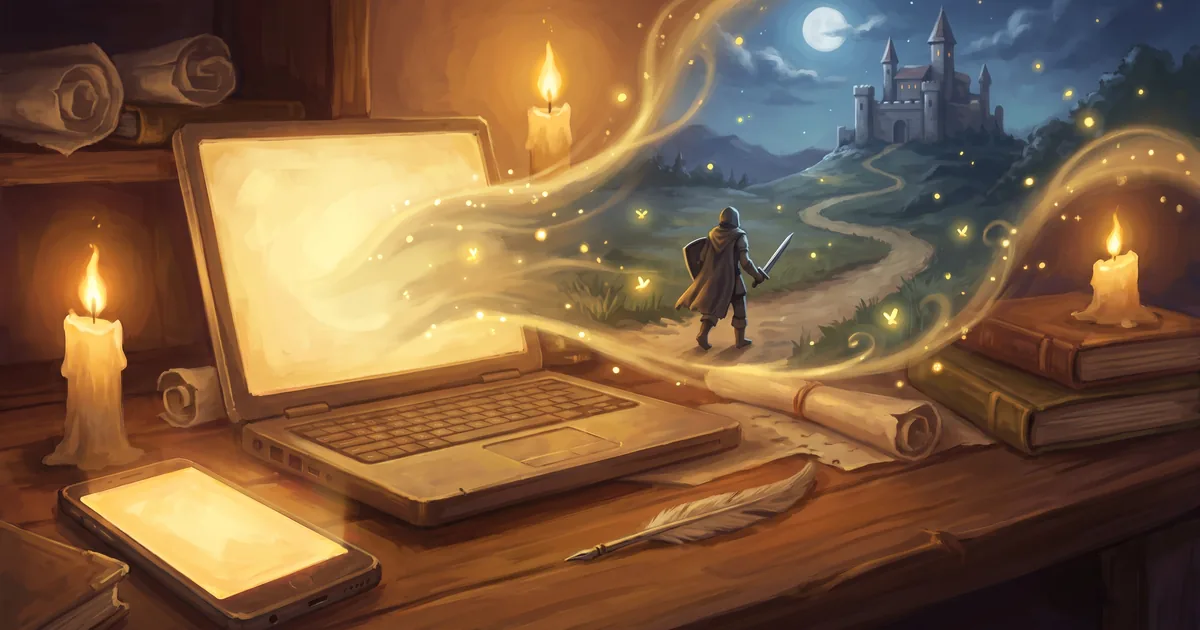
An MMORPG with one hero on your computer and phone: how to switch devices, continue a dungeon run elsewhere and what happens if your connection drops.
Ten minutes on your phone on the way to work, a long dungeon run on your computer in the evening. To play an MMORPG like that, you need the same hero on every device — not two separate versions with separate progress. Zarhold, a card MMORPG in your browser, works exactly this way: your hero lives on the server, and your phone and computer are simply two windows into one world. Here’s what carries over, how to continue a dungeon run on another device and what happens if your connection drops mid-fight.
What a cross-platform MMORPG is
A cross-platform game is one you can play on different devices with the same progress. For big client-based MMOs this is often tricky: a separate app on the phone, its own client on the computer, and not everything from one exists in the other.
A browser game doesn’t have this problem. Zarhold opens in a browser tab on a computer, phone or tablet — there’s nothing to download, and everything in the game is available on a phone too. One game, one page, one hero.
What lives on the server
Everything important is stored on the server, not on your device:
- your hero — level, talents, deck;
- items and gold — bags, Hero Bank, the account’s Shared Chest;
- rating, mail and friends;
- an unfinished run in a dungeon, a raid or against a world boss.
Sign in on a new device the same way you did before, and your hero is the same. Key bindings are stored on your account too, while “Enlarge interface” is set per device: a phone and a monitor need different sizes.
One limitation, up front: you can’t play on two devices at once. Signing in on a new device closes the game on the old one; your progress is kept.
A dungeon run on any device
A dungeon run used to live only in your browser tab: close the tab or run out of battery, and you had to start over unless you got back within 5 minutes. Players told us exactly that: “half an hour in, I got kicked out — start over.”
The 22 October update fixed it. The server now keeps your run until you finish or abandon it, for up to 7 days:
- Start a run on your phone — on the bus, at lunch, anywhere.
- Close the game, or lose your connection.
- Open the game on your computer: the Dungeons screen shows “Continue the run” — right where you left off.
If you come back within 5 minutes, the game reopens the run by itself. If you don’t enter the run for 7 days, it closes on its own, and everything you already looted in it stays with you.
Continuing never grants anything twice: boss loot and run rewards are still decided by the server, once. And an old tab on another device can’t overwrite a fresher run — the server only accepts a newer state of it.
Long dungeons are also split into wings — separate runs of roughly 30–45 minutes. More in Dungeons and raids and in the knowledge base: how dungeons work.
If your connection drops mid-fight
Combat in Zarhold is turn-based — a card duel — so a fraction of a second of latency doesn’t matter. And if the connection drops completely:
- group fights — dungeons, raids, team arena, battleground: your place is held for 5 minutes, and your teammates see “offline” and how long they’ll wait;
- 1v1 arena continues from the same turn — on the same device or another;
- a duel — your opponent waits for you to come back.
All the rules are in the knowledge base: disconnected: how to get back.
How a phone differs from a computer
The game is the same, but each device has its own conveniences.
- Hold your phone sideways. The battle board needs width, and the game will ask you to rotate the screen.
- Tap instead of hover. What a mouse hover shows on a computer opens with a tap on a phone. Item comparison on a phone is a table.
- Hotkeys are for the computer. On a phone you tap everything; key settings appear only if the device has a keyboard.
- Chat knows about the keyboard. If the on-screen keyboard leaves only a narrow strip, the input becomes a single line with the latest messages visible above it.
- Sound without crackling. Since 22 October, music and voice on phones fade in and out smoothly, with no clicks.
To open the game from its own icon in full screen, add it as a shortcut to your phone’s home screen, or as a separate window on your computer. Add the shortcut from the game page itself, not from the website’s home page. Step by step: Play on any device.
What’s the same everywhere
Everything else doesn’t depend on the device. The same ten classes, talents and deck; the same dungeons, raids and world bosses; arena, battleground and duels; professions, the Auction House, guilds and chat. Since 22 October the ☰ panel with Damage, Heal and Log is in every fight — on a phone too.
An old or weak computer is no obstacle either: see An MMORPG for a low-end PC. And to start playing on a phone from scratch, read Free MMORPG on your phone.
MMORPG on PC and phone: FAQ
Do I need a second account for my phone?
No. Sign in on your phone the same way as on your computer — your hero, items and gold will be the same.
Can I start a dungeon on my phone and finish it on my computer?
Yes. The server keeps an unfinished run for up to 7 days. On the other device, open Dungeons and press “Continue the run”.
Can I play on two devices at once?
No. Signing in on a new device closes the game on the old one. Your progress isn’t lost — it’s on the server.
What happens if my phone loses internet mid-fight?
Within 5 minutes the game brings you back where you were: your place in the group is held, and a 1v1 arena fight continues from the same turn. A run waits longer — up to 7 days.
Do I need to download an app?
No. The game runs in a browser; the home screen shortcut is just a handy icon that opens it in full screen.
The bottom line
In Zarhold you don’t have to choose between your phone and your computer: there’s one hero, and a dungeon run now waits for you for up to 7 days on any device. Start with whatever is at hand — open the game in your browser.
Read next
Free MMORPG on your phone with no download: how to play on Android and iPhone
An MMORPG on your phone without an app store: Zarhold runs in the Android and iPhone browser, pins to your home screen and shares your hero with your PC.
An MMORPG for a low-end PC or old laptop: play in your browser, no powerful hardware
Which MMORPG runs on a low-end PC or old laptop? A browser instead of a client, turn-based combat that needs no high FPS, and tips to go lighter.
Browser MMORPG with no download: what to play and how Zarhold works
How to pick a browser MMORPG with no download, and what’s inside Zarhold: 26 zones, dungeons, raids, professions, guilds and PvP — all in a browser tab.