An MMORPG for a low-end PC or old laptop: play in your browser, no powerful hardware
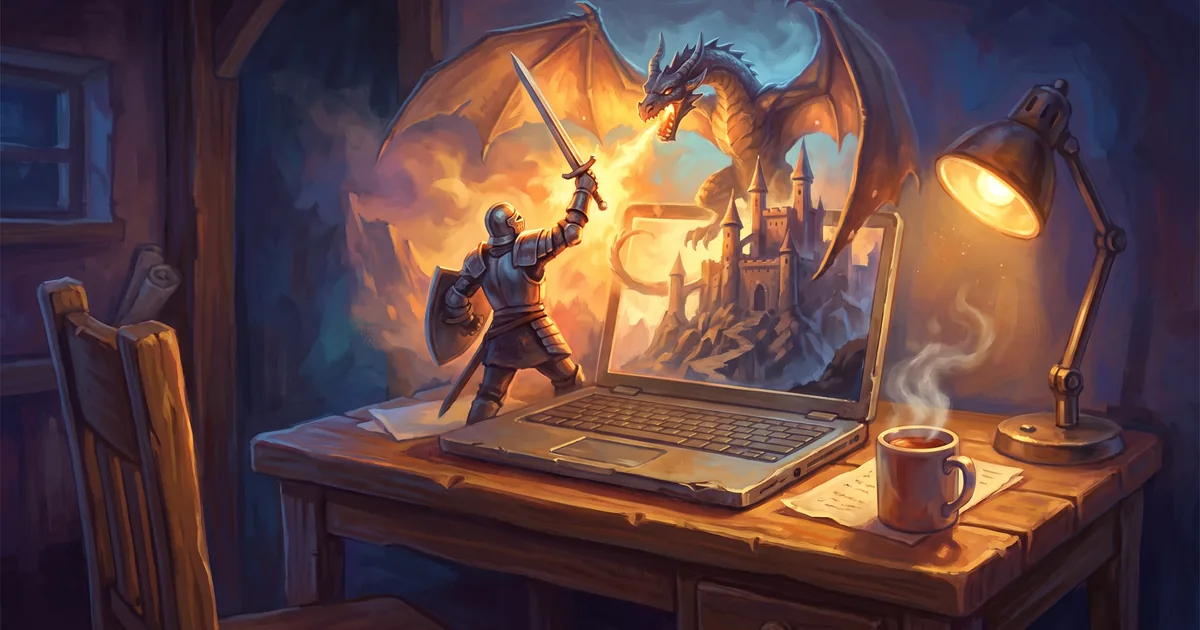
Which MMORPG runs on a low-end PC or old laptop? A browser instead of a client, turn-based combat that needs no high FPS, and tips to go lighter.
Big MMORPGs love powerful hardware: a client that takes dozens of gigabytes, a recent graphics card, plenty of memory. If you have an office PC, an old laptop or a netbook, your options seem to shrink to a couple of old games. In fact there’s a genre where hardware barely matters — browser MMORPGs. Here’s why they run where heavy clients won’t, and how to play Zarhold on a low-end computer.
Why heavy MMORPGs struggle on a weak PC
A classic MMORPG is a 3D world your computer redraws dozens of times a second: characters, effects, shadows, crowds of players. That causes three problems on weak hardware:
- the graphics card can’t keep up — the game stutters;
- the disk: the client and its patches take dozens of gigabytes;
- reaction time: in fast-paced combat every hitch can cost you the fight.
Why a browser card MMORPG is happy with modest hardware
Zarhold is different on all three counts.
- Nothing to install. The game opens in a browser tab; there’s no client and no patches, so you don’t need disk space.
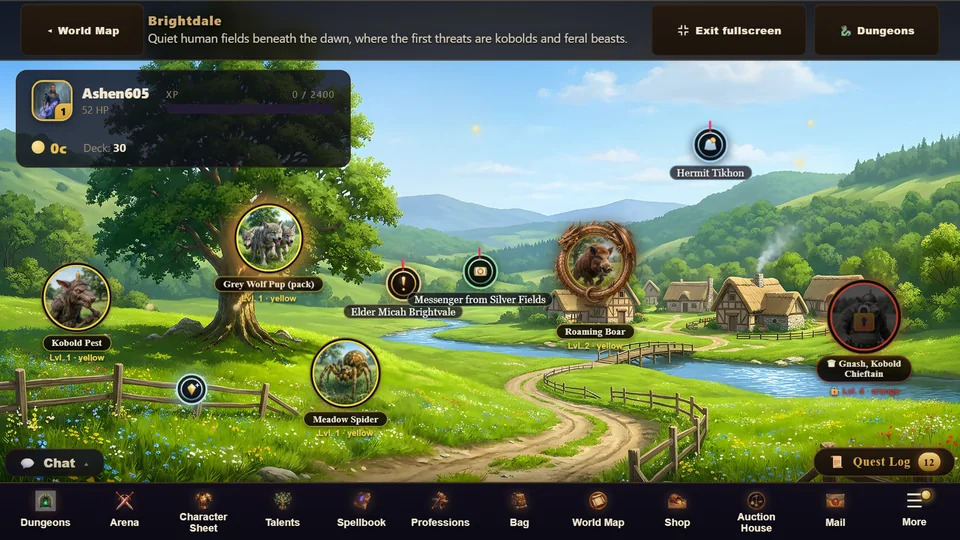
- Combat is 2D and turn-based. It’s a card duel: a hand of cards, crystals and heroes on a board. Your computer doesn’t have to draw a huge 3D world, and you don’t have to keep up with the frame rate — you get 60 seconds per turn.
- The heavy lifting happens on the server. Your hero, items, fights and trades live on the server; the browser only shows the game and sends your moves.
Older browsers are welcome too
We make a point of keeping the game working beyond the latest Chrome. Every build is checked for compatibility with an older browser engine — Chrome 87, which the VK Play desktop app runs on. And in October the game started faster: about a quarter less is downloaded before the title screen, while the world map, chat and windows load in the background while you’re on the title screen.
Six tips to make the game even lighter
- Update your browser. Current Chrome, Edge, Firefox and Safari run faster than older versions of the same browser.
- Close extra tabs. Every open tab uses memory — on a weak laptop you’ll notice.
- Install the game as its own window. In Chrome or Edge, the install icon on the right of the address bar opens the game in its own window, without the browser toolbar.
- Turn on full screen in the game settings — the “Controls” tab.
- Turn off the flight animation — the “Gameplay” tab: travelling between lands becomes instant.
- Tune the sound by category — music, combat sounds, voices — however you like.
All settings are in the knowledge base: Game settings.
The full game, no compromises for weak hardware
A weak computer doesn’t mean a cut-down game. Zarhold has:
- ten classes — tanks, healers and damage dealers, each with its own deck — plus talents;
- 26 lands from level 1 to 60 and 312 quests;
- 23 dungeons, 6 raids and 3 world bosses with a heroic mode;
- an arena from 1v1 to 5v5, a battleground and duels;
- twelve professions, an auction house, guilds and chat.
If your computer is busy, you can carry on from your phone: your hero lives on the server and is the same on every device. How to play on a phone: Free MMORPG on your phone.
MMORPG for a low-end PC: FAQ
Will Zarhold run on an old laptop?
The game runs in a browser without installation, and its combat is 2D and turn-based, so it doesn’t need a powerful graphics card. The best way to check is to open the game: it takes less than a minute and installs nothing on your computer.
Do I need a graphics card?
You don’t need a dedicated gaming graphics card: the game draws a 2D board in your browser, not a 3D world.
How much disk space do I need?
There’s nothing to install. Your browser keeps only the usual page cache; your hero and progress live on the server.
Can I play on a slow internet connection?
Combat is turn-based, so a fraction of a second of latency doesn’t affect it. If your connection drops, you have 5 minutes to come back — the fight or dungeon run continues from the same point.
The bottom line
You don’t need a new computer to play an MMORPG. A browser card MMORPG like Zarhold doesn’t ask for disk space or a powerful graphics card, and turn-based combat doesn’t punish you for stutters. Open the game right now and see how it runs on your machine. And to learn why turn-based combat is great in its own right, read Turn-based RPG online in your browser.
Read next
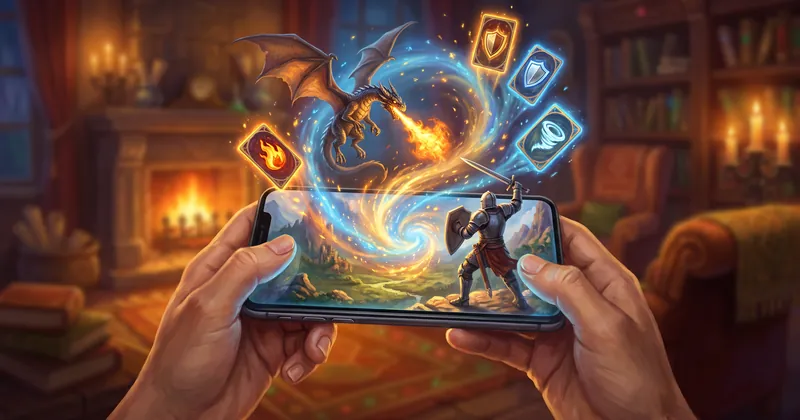
Free MMORPG on your phone with no download: how to play on Android and iPhone
An MMORPG on your phone without an app store: Zarhold runs in the Android and iPhone browser, pins to your home screen and shares your hero with your PC.
Browser MMORPG with no download: what to play and how Zarhold works
How to pick a browser MMORPG with no download, and what’s inside Zarhold: 26 zones, dungeons, raids, professions, guilds and PvP — all in a browser tab.
Turn-based RPG online in your browser: tactics over reflexes
A turn-based online RPG in your browser: how a turn works in Zarhold, why tactics beat fast fingers, and how turn-based combat works in parties and PvP.