An MMORPG for low-end Android phones: a 1.3 MB app and the right settings
An online MMORPG for a low-end Android phone: a 1.3 MB app, turn-based combat, and Simple mode plus Schematic combat to make life easy for an old phone.
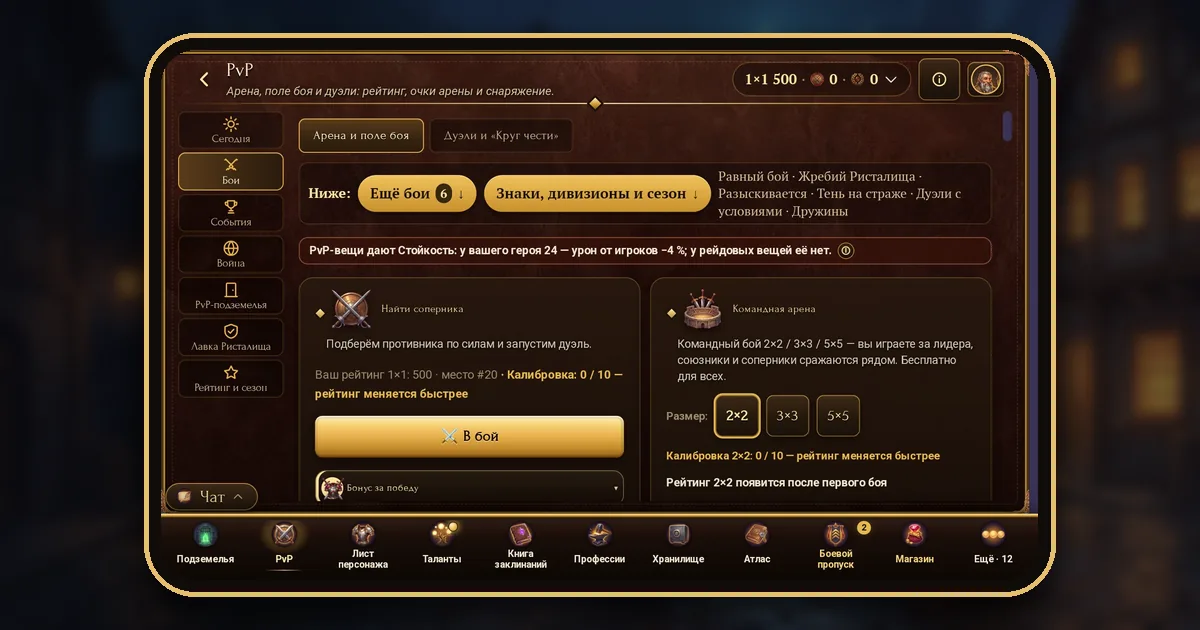
Big mobile MMORPGs take several gigabytes, heat up the phone and want a recent processor. On an old or budget Android phone that means long loading, stutter in combat and a flat battery by lunchtime. Zarhold works differently: it is a card MMORPG with turn-based combat, and the Android app from RuStore is about 1.3 MB. Here is why a low-end phone is enough and which settings to change.
Why a low-end phone is enough for Zarhold
- The app is tiny. About 1.3 MB, Android 7 or newer. The game itself comes from the server and updates itself, so gigabytes of updates do not fill your phone’s storage.
- Combat is turn-based. No need for 60 frames per second or instant reactions: you pick a card, and the turn goes when you are ready. A split-second lag does not affect the fight.
- The game lightens itself. With the Auto graphics mode, extra animations switch off on their own on a weak device or when the game starts to lag.
Download: Zarhold on RuStore. How to install and sign in: “How to download Zarhold from RuStore”.
Settings for a low-end phone
Everything is under Settings → Graphics. The choice is stored on the device: you can keep light graphics on the phone and full graphics on the computer.
- Graphics mode → Simple mode. Everything to the minimum: portraits, frames, fields and backgrounds stay still, windows open without animation, combat effects are light. The biggest win on an old phone.
- Schematic combat. For the weakest connection and old devices: in battle a name letter in a coloured ring replaces portraits, cards have no art, and the text fills the card. Battle images are not downloaded at all. It is switched on by hand only and switched off in the same place or with the “Scheme ✕” tag in the battle header.
- Calm combat. No full-screen flashes or blinking. Easier on the eyes too.
- Settings → Combat → Card text in battle → Short line. Numbers and icons instead of paragraphs: cards read faster on a small screen.
To bring the beauty back, Full beauty turns everything on even on a weak device.
If your internet is weak
- A drop mid-fight is not a disaster. Your group spot is held for a few minutes, a 1v1 arena fight continues from the same turn, and an unfinished dungeon run waits on the server.
- The app does not show a blank page. If the network drops, a “No connection” screen appears, and when it is back the game opens again by itself.
- Schematic combat saves data: battle images are not downloaded at all.
What you get on a low-end phone
The same game as on a powerful computer: 10 classes and 11 races, dungeons for three, raids and world bosses for five, the arena and battlegrounds, guilds, professions and an auction house. Nothing is cut for the phone, and the hero is shared with the website: a couple of fights on the phone in the morning, a raid on the computer in the evening.
If it is your computer that is weak, read “An MMORPG for a low-end PC”.
MMORPG for low-end phones FAQ
Which Android version do I need?
Android 7 or newer and an internet connection. For notifications and Google sign-in the phone needs Chrome: without it the game opens in a built-in window, playable but without notifications.
How much space does the game take?
The app is about 1.3 MB. Everything else the game takes from the server as you play.
My phone heats up and the battery drains. What should I turn on?
Settings → Graphics → Simple mode. If that is not enough, turn on Schematic combat.
Will my hero be weaker with simple graphics?
No. Graphics only change how the fight looks on your screen. Cards, damage and rewards stay exactly the same.
Zarhold at a glance
- Zarhold: a free browser MMORPG to play in any tabWhat a browser MMORPG is, how to choose one and what Zarhold offers
- Cross-Platform MMORPG with Cross Progression: ZarholdOne hero on PC, Mac, phone and tablet, and how it works
- Mobile MMORPG for Android, iPhone and iPad: ZarholdHow to play an MMORPG on Android, iPhone and iPad in the browser
- MMORPG for Mac and MacBook: Zarhold in your browserWhich MMORPGs run on macOS, and how to play Zarhold on a MacBook with no install
- Games like Albion Online: Zarhold and 6 moreWhat Albion Online does well, who Zarhold suits, and six more games like it
- MMORPG for Windows 10 and 11: Zarhold, no downloadAn MMORPG for Windows 10 and 11 or a laptop: no client, no patches, no gigabytes
Read next
An MMORPG for a low-end PC or old laptop: play in your browser, no powerful hardware
Which MMORPG runs on a low-end PC or old laptop? A browser instead of a client, turn-based combat that needs no high FPS, and tips to go lighter.
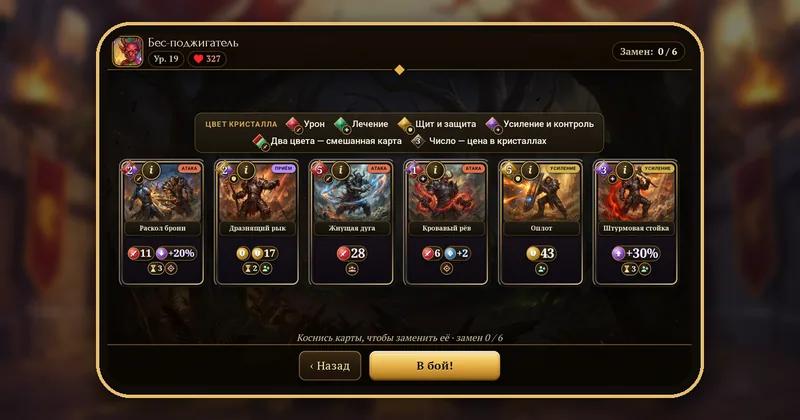
A card MMORPG on Android: the app, the browser or Telegram
A card MMORPG on Android in three ways: the RuStore app, the browser or Telegram. How they differ and which to pick when one hero works everywhere.
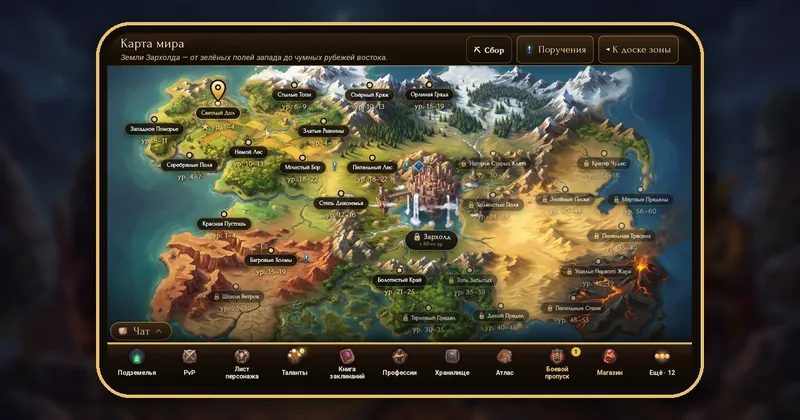
How to download Zarhold from RuStore: a card MMORPG for Android
Step by step: download Zarhold from RuStore, sign in with the same hero as on the website, turn on notifications and fix the usual first-launch issues.