A card MMORPG on Android: the app, the browser or Telegram
A card MMORPG on Android in three ways: the RuStore app, the browser or Telegram. How they differ and which to pick when one hero works everywhere.
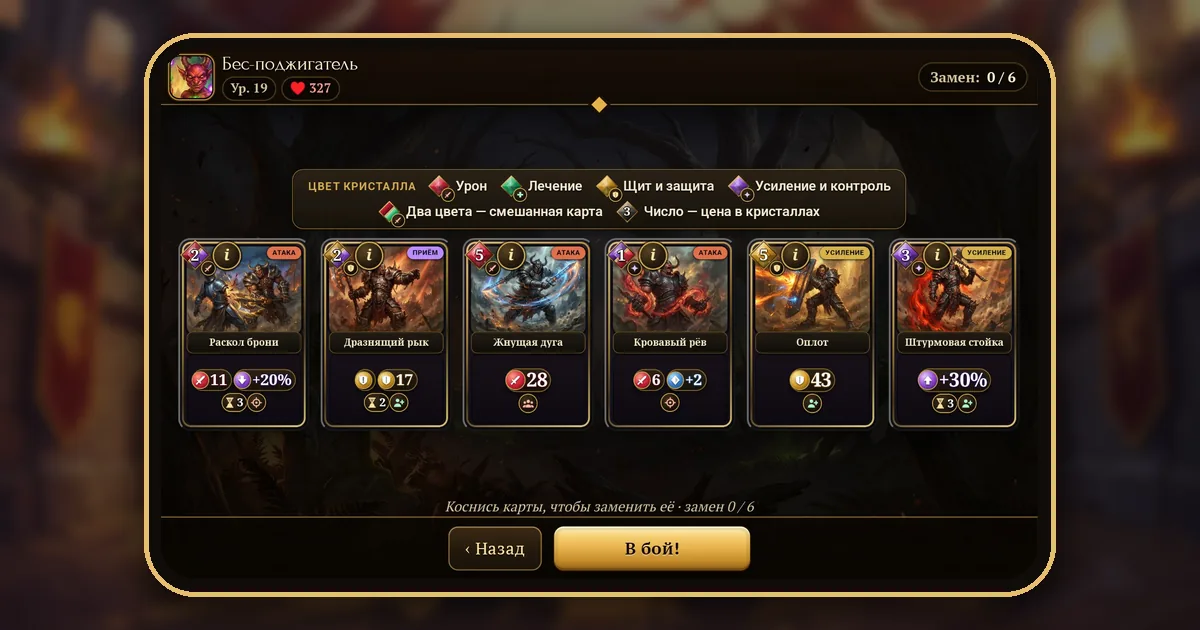
A card MMORPG on Android is a big online game with real players, dungeons and an arena, where your hero fights with a deck of cards instead of ability buttons. On Android you can play Zarhold in three ways: the app from RuStore, your phone’s browser or Telegram. The world and the hero stay the same. Here is how the three differ and which one to pick.
What a card MMORPG is
Your hero has no action bar. Instead there is a deck: the cards of the class and the talents you have learned. Every turn you gain crystals, from 1 to 10, and crystals are what cards cost. Play a strong card now or save crystals for a combo next turn: that is the core choice of every fight. Combat is turn-based, so on a phone you need a plan, not quick fingers. More about the genre: “Card MMORPGs: what they are”.
Three ways to play on Android
| Way | What to install | How to sign in | Best for |
|---|---|---|---|
| The RuStore app | An app of about 1.3 MB | Email, Google, Telegram, a VK Play code or no sign-up | Daily players who want notifications |
| The phone’s browser | Nothing, a home screen shortcut if you like | The same ways | Occasional players who do not want to install anything |
| Telegram | Nothing, the game opens inside the messenger | Your Telegram account | People who live in Telegram and invite friends with a link |
In all three cases it is one game on one server. You can start in the browser and install the app later: sign in the same way and you get the same hero.
What only the app has
- Notifications about what matters: a group invite, a guild gathering, a new letter, a sold auction lot. Each kind can be turned off, and there are quiet hours.
- The screen stays on during a fight, and a vibration marks the start of your turn.
- Full screen from its own icon, with no address bar.
- A “No connection” screen instead of a blank page: when the internet is back, the game opens again by itself.
How to download and sign in, step by step: “How to download Zarhold from RuStore”. The store page itself: Zarhold on RuStore.
Why card combat works on a phone
- Turn-based. You can think a turn through on the bus, and a split-second lag does not affect the fight.
- One-handed. The “⚡ First card” button plays one card per tap in world fights and normal dungeons. It is on by itself below level 30.
- A tidy hand. The “⇅” button changes the card order: by cost, as drawn or by role.
- Landscape. You hold the phone sideways, so the board and the cards fit on screen.
Every phone screen setting is covered in “A card MMORPG on your phone: the interface”.
What is waiting in the game
- 10 classes and 11 races, any race with any class. Your hero grows to level 60 and is never reset.
- 26 lands and 312 quests, each land with its own residents and rare foes.
- 23 dungeons for three, 6 raids and 3 world bosses for five, all with a heroic mode. Residents of the world fill empty group spots, so you can head out at any time.
- PvP: a rated arena in 1v1, 2v2, 3v3 and 5v5, a 5v5 battleground, duels and the war of the sides.
- 12 professions, an auction house, trading, guilds with a bank and a shared chat.
The whole game at a glance: “Zarhold: a game review from A to Z”.
Card MMORPG on Android FAQ
Which way should I pick if I play every day?
The RuStore app: it sends notifications about groups, guild gatherings and letters, and the screen does not go dark mid-fight.
Do I need a new hero for the app?
No. Sign in to the app the same way as in the browser or on your computer and the same hero opens.
Can I play in Telegram and in the app with one hero?
Yes, if you link Telegram to your account: Settings → Account → Link Telegram. After that, signing in with Telegram opens your heroes.
How big is the game on Android?
The app is about 1.3 MB. Everything else comes from the server, so the game does not need much free space.
Zarhold at a glance
- Zarhold: a free browser MMORPG to play in any tabWhat a browser MMORPG is, how to choose one and what Zarhold offers
- Cross-Platform MMORPG with Cross Progression: ZarholdOne hero on PC, Mac, phone and tablet, and how it works
- Mobile MMORPG for Android, iPhone and iPad: ZarholdHow to play an MMORPG on Android, iPhone and iPad in the browser
- MMORPG for Mac and MacBook: Zarhold in your browserWhich MMORPGs run on macOS, and how to play Zarhold on a MacBook with no install
- Games like Albion Online: Zarhold and 6 moreWhat Albion Online does well, who Zarhold suits, and six more games like it
- MMORPG for Windows 10 and 11: Zarhold, no downloadAn MMORPG for Windows 10 and 11 or a laptop: no client, no patches, no gigabytes
Read next
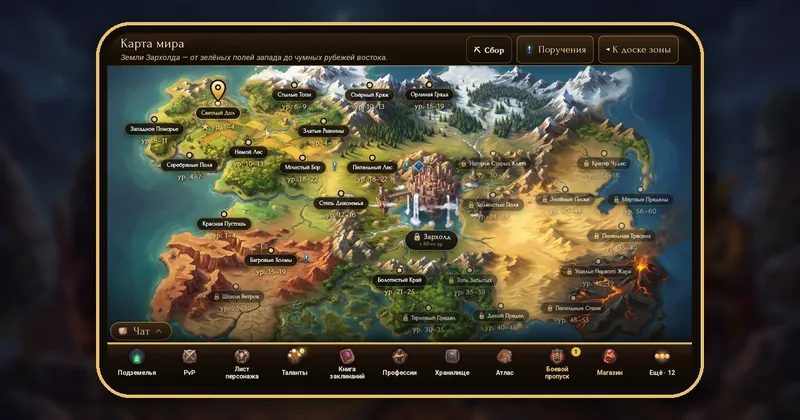
How to download Zarhold from RuStore: a card MMORPG for Android
Step by step: download Zarhold from RuStore, sign in with the same hero as on the website, turn on notifications and fix the usual first-launch issues.
Card MMORPGs: what they are and why a deck beats a hotbar
What makes a card MMORPG different and why a deck beats a button rotation — explained through Zarhold: your hand, crystals, talents and ten classes.
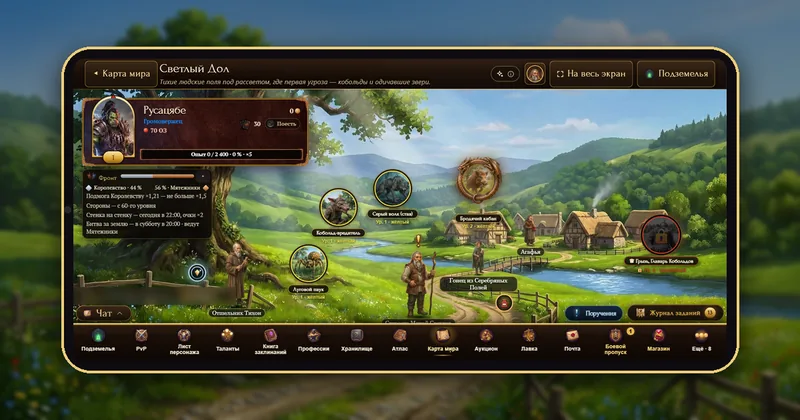
A card MMORPG on your phone: a handy interface and settings for playing in landscape
A card MMORPG on your phone with no download: how the screen works, which settings help you play in landscape one-handed, and what changed in November.