A game with shared progress on phone and PC: signing in with the same hero
How to play one hero on phone and PC: which sign-in to use, how to save a guest hero, link Telegram and bring a VK Play hero to the website or app.
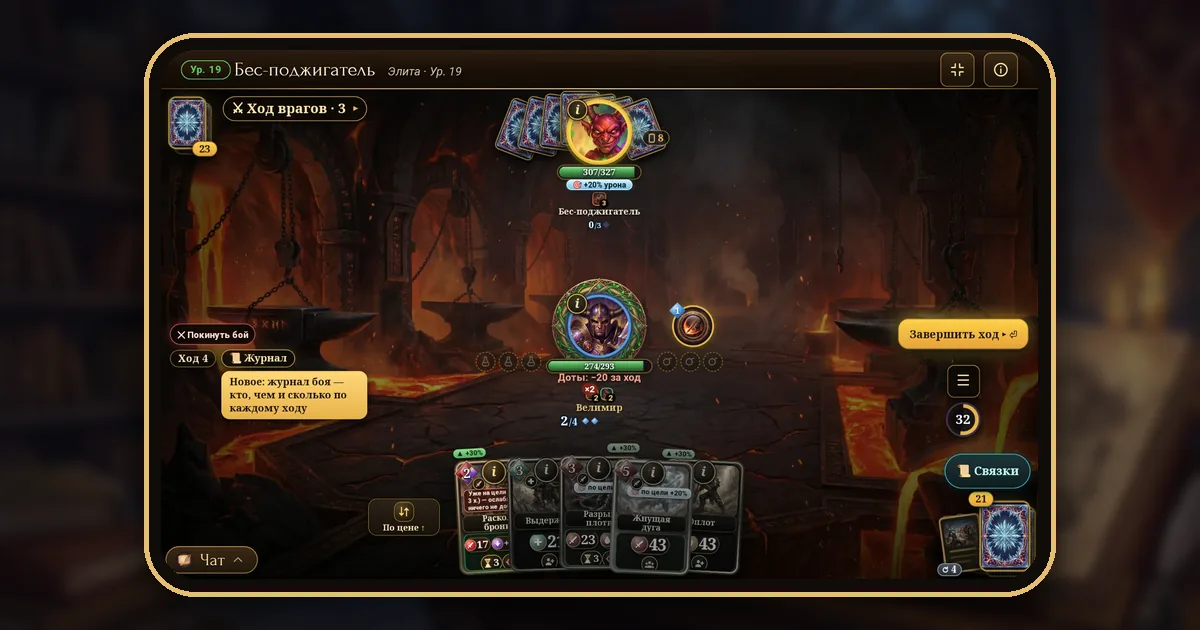
A game with shared progress on phone and PC is great until a brand-new level 1 hero opens on your computer. In Zarhold all progress lives on the server, and which hero opens depends on one thing: how you sign in. Below is a walkthrough for each sign-in method and each platform: the website, the RuStore app, VK Play and Telegram.
The main rule: the same sign-in method
Your hero is tied not to a phone or a browser but to your account, and the account is opened by a sign-in method: email and password, Google, Telegram or a code from the game on VK Play. If you signed in with Google on your computer, tap “Sign in with Google” in the app on your phone too. Then the same heroes, gear, gold, rating, mail and even an unfinished dungeon run open.
How server-side storage works and what happens when the connection drops: “An MMORPG for phone and PC with the same hero”.
Signing in with the same hero: by method
Email and password
The simplest one: it works on the website, in a phone browser and in the RuStore app. Enter the same email and password and the same hero opens.
Works everywhere with one exception: if an Android phone has no Chrome, the RuStore app opens the game in a built-in window, and Google does not allow sign-in there. Sign in through the browser or install Chrome.
Telegram
The game in Telegram opens your Telegram account. To make it the same heroes as on the website, link Telegram to your main account: in the game, Settings → Account → Link Telegram, or in your Account page on the website. If your Telegram already had its own account with heroes, the game shows both and lets you choose. After linking, “Sign in with Telegram” opens your heroes everywhere: on the website, in the app and in Telegram itself.
VK Play
On VK Play you sign in with the platform account, so on the website and in the app you sign in with a code. In the game on VK Play open More → Profile settings → Account → Sign in to the website and enter the code on the sign-in screen within 5 minutes. A hero plays in one place at a time, so the game on VK Play closes.
No sign-up
A guest hero is tied to the browser or app where it was created. To play it on another device, save the hero: More → Save progress, then an email and a password. The game reminds you at level 5 and before your first purchase. Signing out without saving means losing the hero, and the game warns you about that.
Where to play: one account on every platform
| Platform | How to sign in with the same hero |
|---|---|
| The website on a computer | Email, Google, Telegram or a VK Play code |
| A phone browser | The same ways |
| The RuStore app | The same ways; Google if the phone has Chrome |
| Telegram | A Telegram account linked to your account |
| VK Play | The VK Play account; a game code on other platforms |
There is one world for everyone: one arena ladder, one auction house, the same opponents. How to get the Android app, step by step: “How to download Zarhold from RuStore”.
What is shared and what each device keeps
- Shared, on your account: heroes, gear, gold, rating, mail, friends, guild, an unfinished run, hotkeys, the card text style in battle and which notifications to send.
- Kept per device: “Enlarge interface”, the graphics mode and the permission to show notifications. A phone and a monitor need different sizes, and a low-end phone may want the Simple graphics mode.
One limitation
You cannot play on two devices at once. Signing in on a new device closes the game on the old one, and your progress is kept. Started a dungeon run on your phone and want to finish it at your computer? Sign in on the computer and press “Continue the run” in Dungeons.
Shared progress FAQ
How do I move my progress from my phone to my PC?
There is nothing to move: your progress is on the server. Sign in on the PC the same way as on the phone. If you played on the phone without signing up, save the hero first: More → Save progress.
Will I lose my hero if I change phones?
No, if the hero is saved to an email or you sign in with Google, Telegram or VK Play. Install the game on the new phone and sign in the same way.
A new level 1 hero opened on my computer. What now?
You signed in a different way and opened a different account. Sign out and sign in the way you played on your phone.
Can I play one hero on VK Play and in the RuStore app?
Yes. In the app, choose the VK Play sign-in and enter the code from the game on VK Play: More → Profile settings → Account → Sign in to the website.
Zarhold at a glance
- Zarhold: a free browser MMORPG to play in any tabWhat a browser MMORPG is, how to choose one and what Zarhold offers
- Cross-Platform MMORPG with Cross Progression: ZarholdOne hero on PC, Mac, phone and tablet, and how it works
- Mobile MMORPG for Android, iPhone and iPad: ZarholdHow to play an MMORPG on Android, iPhone and iPad in the browser
- MMORPG for Mac and MacBook: Zarhold in your browserWhich MMORPGs run on macOS, and how to play Zarhold on a MacBook with no install
- Games like Albion Online: Zarhold and 6 moreWhat Albion Online does well, who Zarhold suits, and six more games like it
- MMORPG for Windows 10 and 11: Zarhold, no downloadAn MMORPG for Windows 10 and 11 or a laptop: no client, no patches, no gigabytes
Read next
An MMORPG for phone and PC with the same hero
An MMORPG for phone and PC with the same hero: which games can do it, how to switch devices and how to continue a dungeon run right in your browser.
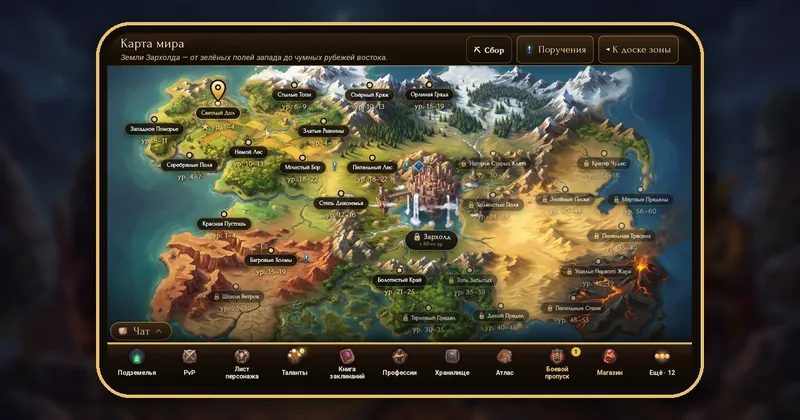
How to download Zarhold from RuStore: a card MMORPG for Android
Step by step: download Zarhold from RuStore, sign in with the same hero as on the website, turn on notifications and fix the usual first-launch issues.
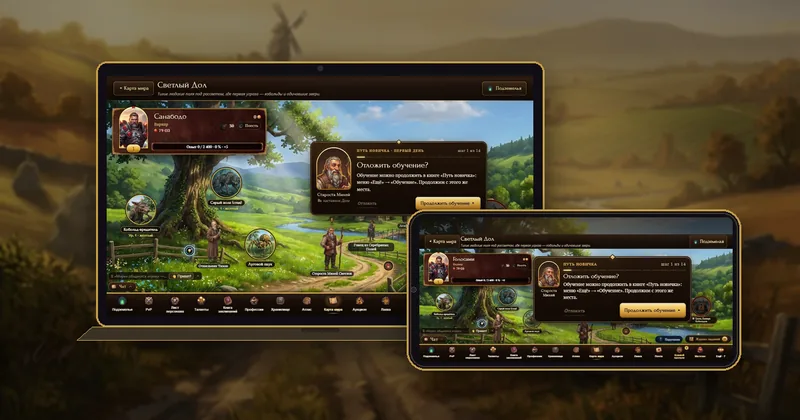
One World for All: Zarhold on Telegram, the Website and VK Play
Zarhold on Telegram, the website and VK Play is one world: shared chat, groups, guilds and arena. How accounts and purchases work, and what is coming soon.