Games in Telegram Mini Apps: How They Work and How to Pick One
What a Telegram mini app is, how games work inside it, what a game learns about you when you sign in, and how to tell a real game from a tapper or a scam.
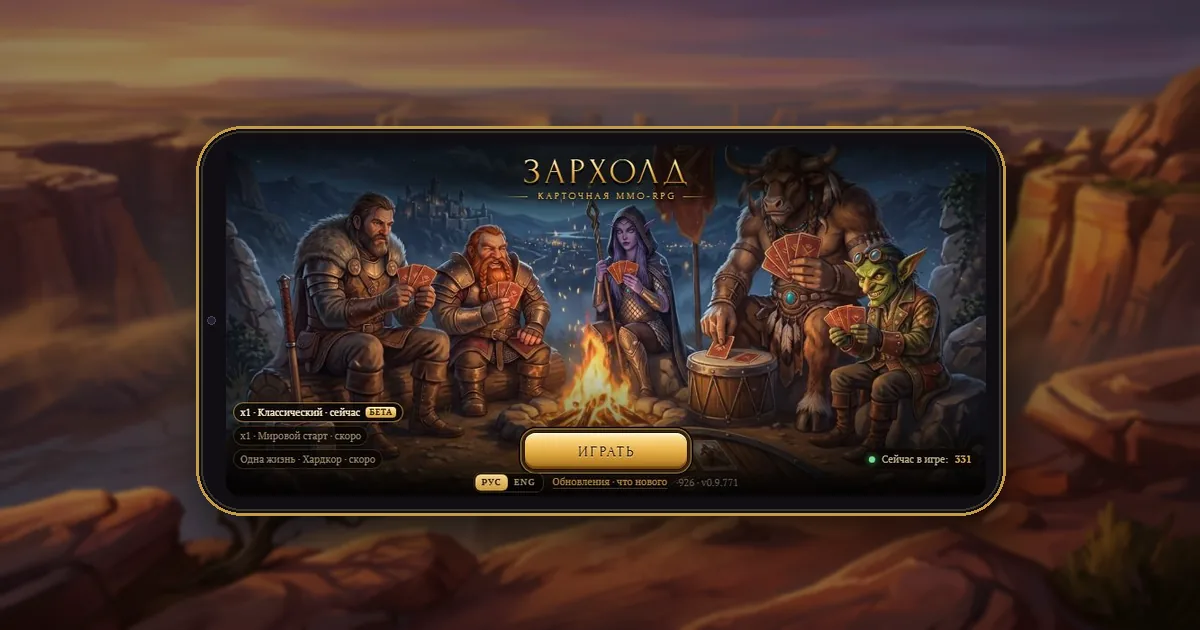
Games on Telegram have long gone beyond bots with buttons. Today full games with art, sound and online play open right inside the messenger, with nothing to install. Here's how it works, what a game learns about you when you sign in, and how not to confuse a real game with a tapper or a scam.
What a Telegram mini app is
A mini app is a web app that opens right inside Telegram. You launch it with a button in a bot chat, the bot's menu button, or a link like t.me/bot_name/app_name. Nothing gets downloaded: the app loads like a website but lives in Telegram's window.
Games on Telegram are not new: Telegram launched its gaming platform for bots back in 2016. In November 2024 mini apps got a big update: they can now go full screen in portrait or landscape, lock the screen orientation and add a shortcut to your phone's home screen. That made big games comfortable on Telegram.
Why mini app games are convenient
- No install. No app store and no space taken on your phone.
- One-tap sign-in. You already have an account: it's your Telegram, no email or password needed.
- Friends are right there. You can send the game link to any chat and plan a dungeon run where you already talk.
- Phone and computer. Mini apps open in Telegram on a phone, in the Telegram desktop app and in Telegram Web.
What a game learns about you when you sign in
When you open a mini app, Telegram passes it the launch data: your Telegram account number (id), your name, your username if you have one, your language and a link to your profile photo. Your phone number is not part of it. The data is signed with the bot's key, so the game can check that it came from Telegram and nobody tampered with it.
Zarhold uses it only to sign you in: the signed data finds your account or creates a new one. No password at all.
How to tell a real game from a tapper or a scam
- Check that there's a game in the game. A tapper is pressing one button for numbers. A real game has a world, decisions, other players and a hero who grows.
- Be careful with promises of earnings. If a game promises money or crypto first and fun second, think twice.
- Open it through the official link. The game's link should be on its website or in its official group. Fakes often have nearly the same name.
- Don't pay anyone in private messages. A real game doesn't ask for transfers “for a boost” or “for resources” in DMs.
Zarhold's official places: the @zarholdsBot bot, the link t.me/zarholdsBot/play and the group @zarholdgame. We sell nothing inside Telegram, so anyone asking for money on Zarhold's behalf on Telegram is a scammer.
Zarhold: an MMORPG in a Telegram mini app
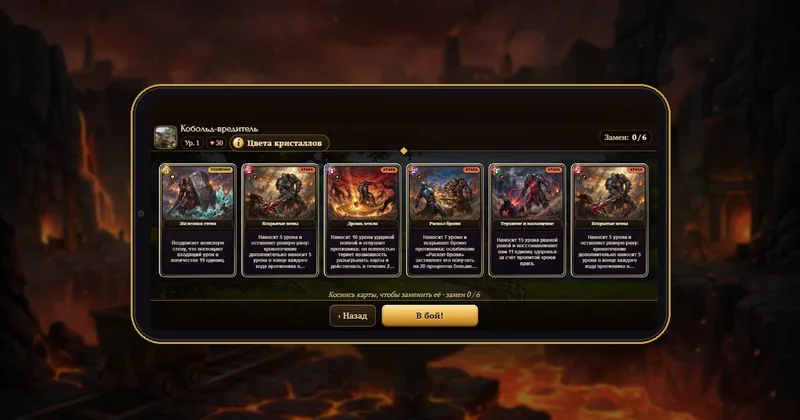
Zarhold is a card MMORPG that has officially opened on Telegram since 20 November 2026. Fights are played with ability decks, and around them there's a big world, dungeons, raids, an arena and guilds. The world is shared with the website and VK Play.
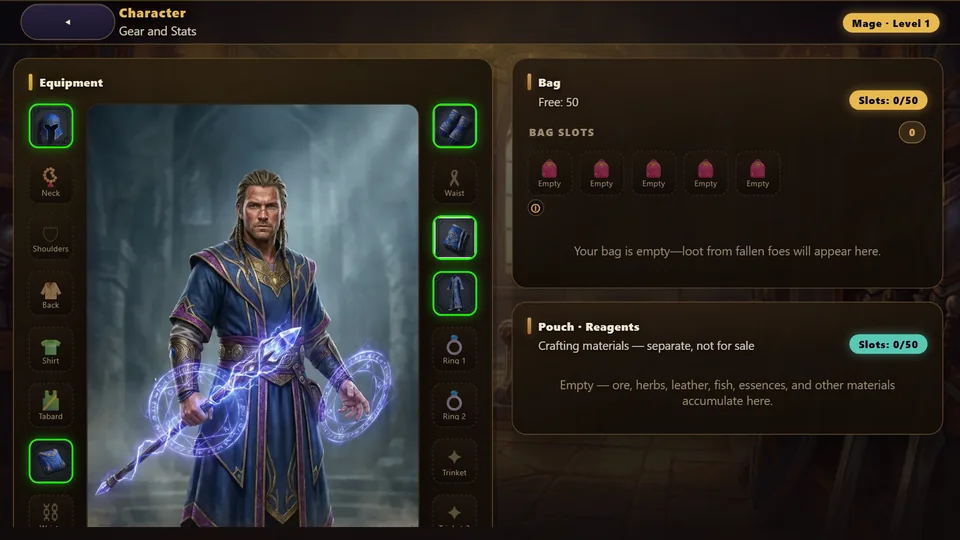
Open it: t.me/zarholdsBot/play. How to start: Zarhold on Telegram: how to play. Other MMORPGs on Telegram: MMORPGs on Telegram: what to play.
Telegram mini app games FAQ
Do I need to download anything to play in a mini app?
No. A mini app opens inside Telegram; Telegram itself is enough.
Can the game see my phone number?
No. Telegram gives the game your account id, name, username and language, but not your phone number.
Can I play mini apps on a computer?
Yes, in the Telegram desktop app and in Telegram Web.
Why didn't the game open full screen?
Most likely your Telegram hasn't been updated for a while. Full screen works in recent versions of the app.
Zarhold at a glance
- Zarhold: a free browser MMORPG to play in any tabWhat a browser MMORPG is, how to choose one and what Zarhold offers
- Cross-Platform MMORPG with Cross Progression: ZarholdOne hero on PC, Mac, phone and tablet, and how it works
- Mobile MMORPG for Android, iPhone and iPad: ZarholdHow to play an MMORPG on Android, iPhone and iPad in the browser
- MMORPG for Mac and MacBook: Zarhold in your browserWhich MMORPGs run on macOS, and how to play Zarhold on a MacBook with no install
- Games like Albion Online: Zarhold and 6 moreWhat Albion Online does well, who Zarhold suits, and six more games like it
- MMORPG for Windows 10 and 11: Zarhold, no downloadAn MMORPG for Windows 10 and 11 or a laptop: no client, no patches, no gigabytes
Read next
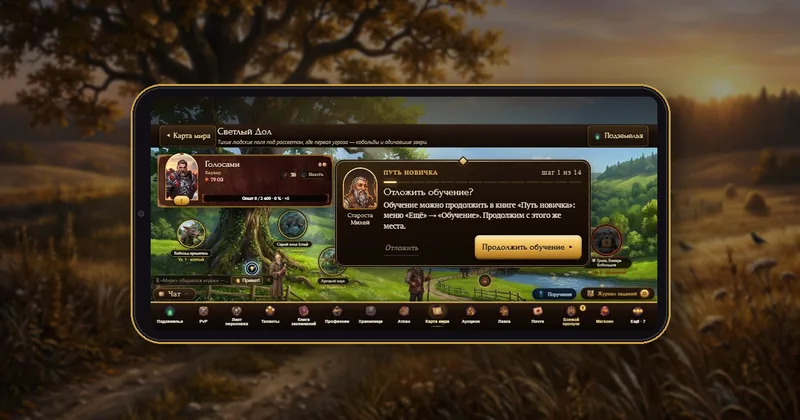
MMORPGs on Telegram: What to Play in 2026
MMORPGs on Telegram in 2026: an honest look at Zarhold, Ligmar Online, Chat Wars, Wasteland Wars and Fly Angels, and how a mini app differs from a bot.
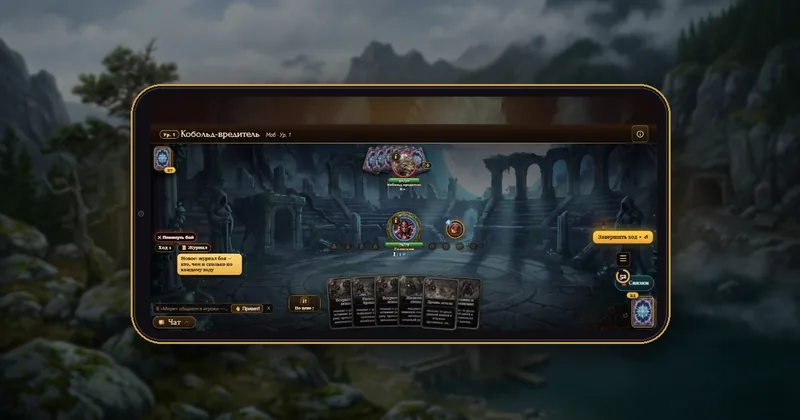
Zarhold on Telegram: How to Play the Card MMORPG Right in Your Messenger
Zarhold is officially on Telegram: open the game from the @zarholdsBot bot, sign in with Telegram and play on phone or PC in the same world as the website.
Card Games on Telegram: From Classic Card Games to a Card MMORPG
What card games are there on Telegram: classics like UNO, collectible games with crypto, and Zarhold, a card MMORPG with a hero and an ability deck.