How not to lose a valuable item in an MMORPG: item lock, Deleted and buyback
Sold or deleted the wrong item? How to lock gear in the MMORPG Zarhold, restore deleted items within a day, buy back sold items and what Soulbound means.
Anyone who has played an MMORPG knows the feeling: you clear out your bag, press Sell Selected — and an epic you meant to put on tomorrow goes along with the junk. In Zarhold, a card MMORPG in your browser, several things protect you from that at once: the item lock, Deleted and the merchant buyback. And so you don't get confused about what you can sell or trade, items have clear binding rules and a complete tooltip. Let's go through it all.
The item lock
An item you'd hate to lose can be locked. Here is how:
- in the item window — the 🔒 Lock button;
- on a computer — Alt + click on the slot, no window needed;
- in Select mode — 🔒 Lock (N) locks all selected gear at once.
A locked item can't be sold, disenchanted, scrapped, deleted, put up for auction, traded, placed in the guild bank or staked in a duel — neither one at a time nor in bulk: Sell Selected and Select → Delete simply skip it and tell you how many were skipped. But you can equip and unequip it, enchant and sharpen it, and put it in your own hero bank or the shared chest.
Anything you can wear can be locked: weapons, armour, a cloak, jewellery, relics. The lock is stored on the server, in the item itself, so it is the same on every device. To unlock, press 🔓 Unlock on the golden bar in the item window. Details: Item lock.
Deleted: a day to change your mind
Deleted a piece of gear by mistake? It doesn't vanish at once. For 24 hours it waits in Deleted: a ↺ Deleted · N button appears in your bag, and its window offers ↺ Restore or ↺ Restore all.
- Restoring is free, and you get the same item back — with its enchants, sharpening and durability.
- The last 150 deleted items of a hero are kept — enough even for Select all → Delete.
- Only wearable items go into Deleted. Junk, materials, scrolls and quest items are deleted at once — the delete window says so.
Disenchanting can't be undone: you have already received the materials. Details: Deleted.
Merchant buyback
Sold the wrong item to a merchant? Open the ↺ Buyback tab in the shop. Sold items wait there for 24 hours, you buy them back at the same price with no markup, and it is the same item — with enchants and sharpening. The merchant remembers a hero's last 30 sales, and a Sell Selected click takes up a single line in buyback however many items you sold, so nothing gets lost. If your selection includes purple, legendary, enchanted or sharpened items or items from sets, the shop names them and asks again. Details: Merchant buyback.
Soulbound and Binds when equipped
So you don't have to guess what you can sell at auction or give to a friend, items have binding:
- Soulbound — gear of green quality and above binds to a hero as soon as they get it: boss loot, quest rewards, items for honor and arena points. You can wear it, sell it to a merchant, disenchant it or put it in your hero bank, but you can't give it to another player.
- Binds when equipped — crafted items (except crafted legendaries, which are Soulbound as soon as they are forged) and blue items from enemies in the world and from regular enemies in dungeons and raids. Until such an item is worn, you can sell it at auction, trade it, mail it or put it in the shared chest for another of your heroes. The game asks for confirmation before you equip it.
- Group loot — an item won in a roll with live players can still be traded for 2 hours to anyone from the same run.
How to sell Binds-when-equipped items profitably: “The auction house in an MMORPG”; the detailed rules: Soulbound items.
"You have" and the complete item tooltip
Two newer features that save time and spare you needless purchases:
- "You have" — wherever you look at an item, reagent or recipe — in chat, at the auction, at a merchant, in the shop, in the Atlas, in the crafting window — you see how many you own and where they are: pouch, bag, equipped, hero bank, shared chest, mail or your own auction lots.
- The complete item tooltip — the same everywhere: in the Armory, when inspecting a hero, on the website, in the loot roll window and in Inspect during battle, you see every bonus of an item — both powers of a legendary, the Tier set (for another hero — based on their equipped gear and their talent branch), heirloom set thresholds, a unique item's power, enchants and sharpening with their values.
Comparing an item with what you wear is easy: hover over it (tap it on a phone) and your equipped item appears alongside with the stat difference. How comparison works: Comparing items.
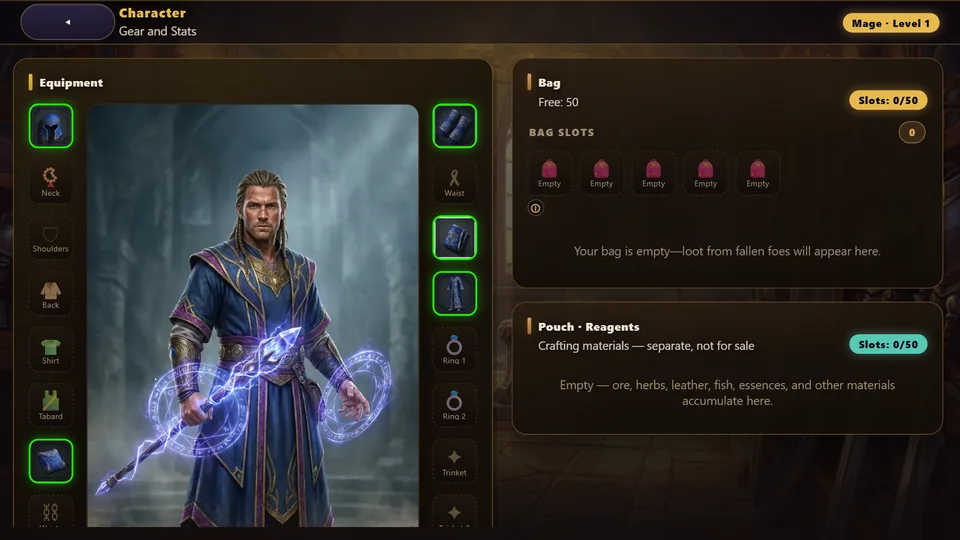
Checklist: so no item goes missing
- Lock everything you wear or plan to wear: your Tier set, legendaries, gear for your second talent branch.
- Clear your bag in bulk without worry — Sell Selected and Delete skip locked items.
- Made a mistake? Don't panic: deleted items wait 24 hours in Deleted, items sold to a merchant 24 hours in Buyback.
- Don't try on a blue enemy drop you want to sell: once worn, it becomes Soulbound.
- Check "You have" before buying a reagent or recipe — it may already be in your bank or mail.
How to gear up for level 60: “Level 60 gear”.
Item safety FAQ
How do I recover a deleted item?
Open your bag and press ↺ Deleted: for 24 hours gear comes back free and unchanged — with enchants and sharpening. Junk, materials and scrolls are deleted at once.
I accidentally sold an item to a merchant — what now?
Open the shop's ↺ Buyback tab: for 24 hours you can buy the item back at the same price. The same item returns to the same hero.
What can't I do with a locked item?
Sell, disenchant, scrap, delete, auction, trade, put in the guild bank or stake in a duel. Equipping, enchanting and putting it in your own bank are allowed.
Why can't I put an item up for auction?
It is Soulbound: gear of green quality and above binds to a hero when received. You can auction Binds-when-equipped items — crafted gear and blue enemy drops — as long as they haven't been worn.
Can I get a disenchanted item back?
No: disenchanting has already given you the materials. That is why it's best to lock anything valuable straight away — a locked item can't be disenchanted.
Where can I see all of an item's bonuses?
In the item tooltip — it is now complete everywhere: in the Armory, when inspecting a hero, on the website, in the loot roll window and in Inspect during battle. Any hero's gear is also visible on the website, in the Armory.
Read next
Level 60 gear guide: how to gear up your hero and raise your item level
How to gear up at level 60 in Zarhold: what item level (ilvl) means, where to get 200, 226 and 232 gear, enchants, sharpening and the way to the best gear.
MMORPG auction house: how to sell items, trade with players and make gold
The auction house in the MMORPG Zarhold: listing and buying lots, deposit and fee, stacks of 20, what can’t be sold, mail, trade and how to make gold.
Loot in an MMORPG: what bosses drop and how a party splits it
How loot works in the browser MMORPG Zarhold: how many items bosses drop, rarity and legendary chances, Need and Greed rolls and the loot log.