How to activate a code
How to activate a Zarhold code: six steps from purchase to the reward in your mail.
1. Buy a pack on the storefront
After payment the storefront gives you a code — twelve letters and digits in a row, for example XKQ7RT2MW9RC. It is single use and tied to your purchase.
2. Open the game
Easiest way is the «Activate» button on the storefront itself: the game opens with the code already in place. If there is no button, open the game yourself and sign in.
3. Pick your hero
A code is credited to one specific hero. If you have several, log in as the one who should get the reward.
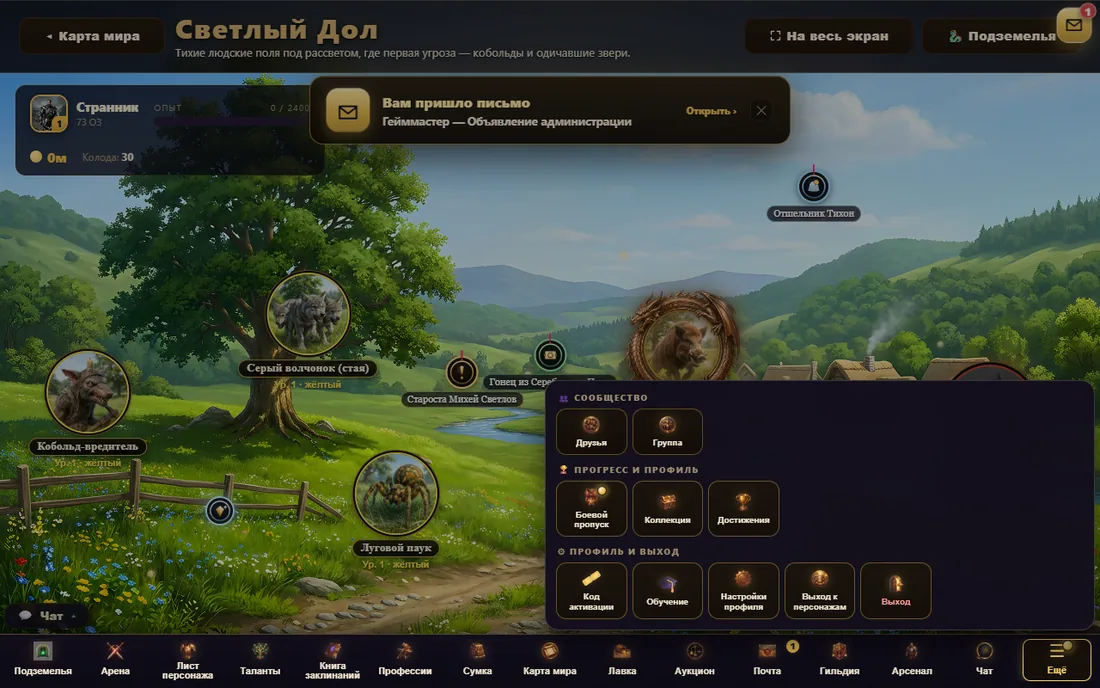
4. «More» menu → «Activation code»
Bottom bar of the game, «More» button on the right. Inside, under «Profile and exit», you will find «Activation code». If the code came as a link, the screen opens by itself with the field already filled.
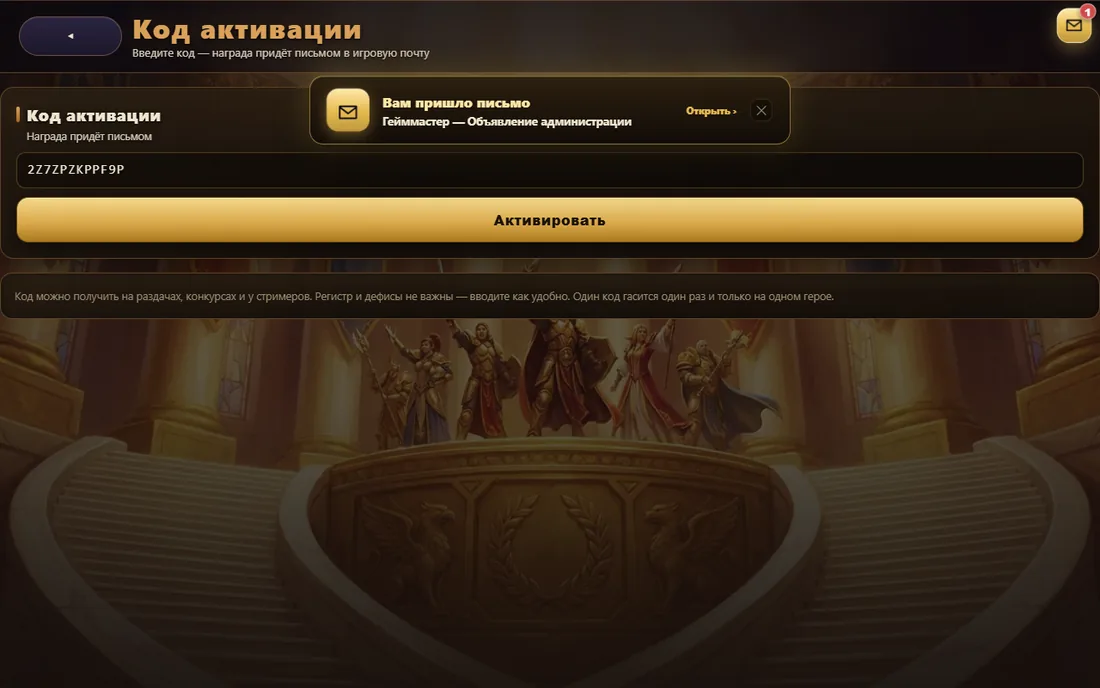
5. Press «Activate»
Case does not matter and stray spaces are stripped for you. The game checks the code and tells you what you received.
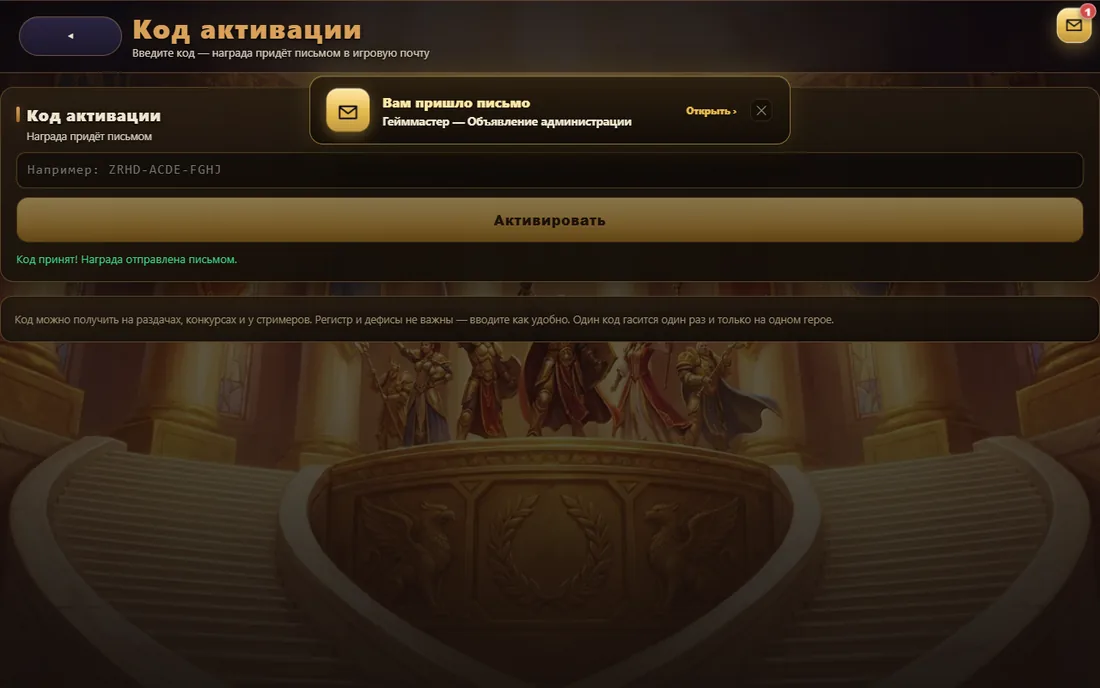
6. Collect the reward from your mail
The attachment arrives as in-game mail, so the reward survives even a full bag. Open the letter and press «Take».
Common questions
Can one code be used on two heroes?
No. A code is redeemed once and goes to the hero you are logged in as.
What if I picked the wrong hero?
Items from a pack can be passed between your own heroes — the reward is not lost.
The code does not work
Pack codes never expire, so there is only one reason: the code has already been used. Check your hero's mail — the reward may have arrived earlier. If the code is definitely new, write to support from inside the game and include it.