Zarhold's moderators: who keeps the chat of a card MMORPG friendly
Meet the new moderators of the card MMORPG Zarhold: who they are, what they do in chat, how they help newcomers and how to reach one. Safe in-game chat.
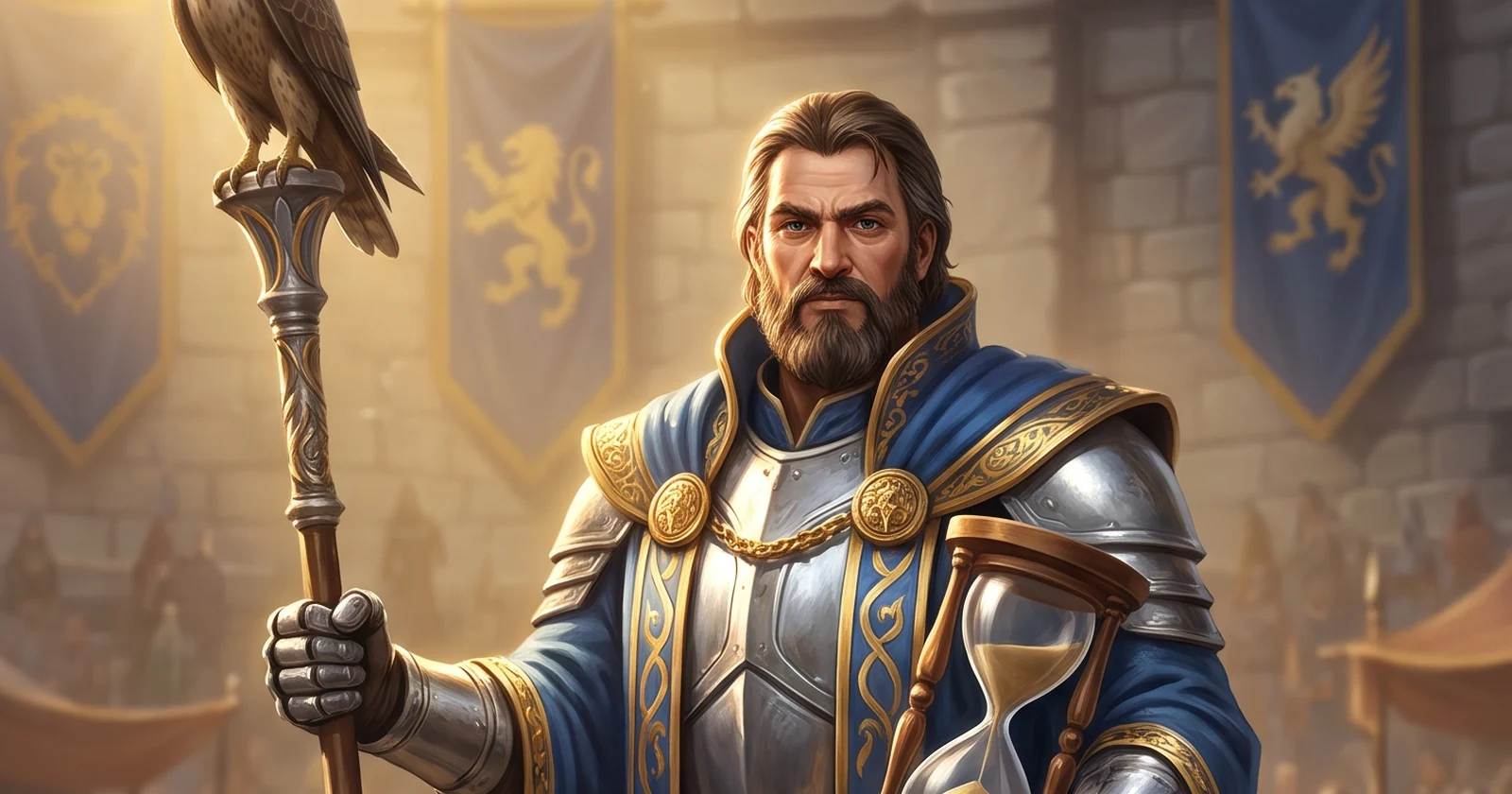
A good online game isn't only battles and loot — it's also the people around you. In Zarhold, a card MMORPG in your browser, order in the chat is now kept by moderators: players who love the world and help keep it friendly. Applications closed on 31 October, and four players have been taken on for a trial month. Here is who they are, what they do and how to reach them. The short version is in the news post about the new moderators.
Zarhold's new moderators
The moderators for the trial month are:
- Lev;
- Стратокастер;
- Ливин;
- AHTuXpucT.
All four are active players who are well known in the world. Thank you to everyone who applied: there were many of you, and choosing wasn't easy.
How to recognise a moderator
A moderator has a “⚖ MOD” badge by their name in the chat. It shows wherever the name does: in World, in Trade, in guild and group chat. If someone with the badge messages you, that's a Zarhold moderator, and they're there to help.
What moderators do
Moderators keep an eye on World, Trade and the other chat channels while they play. Their job is to keep the chat calm and kind:
- they help newcomers — where to go, how to put a group together and where to find an answer;
- they calm down quarrels before they turn into harassment;
- they remove spam, advertising and insults;
- they report serious violations to the Game Master straight away.
Moderators follow the chat rules — the same ones that apply to every player.
Overseen by the Game Master
A moderator isn't their own judge. The Game Master sees every action a moderator takes: who was warned and why, what was removed from the chat. That way the rules are the same for everyone — for a moderator's friends and for strangers alike.
In time, the best moderators become Wardens of Order, with a “⚖ Warden” badge by their name. It's a mark of trust: that moderator has already proven themselves.
How to call a moderator
If someone in the chat is rude, spams or tries to cheat — don't argue with them, write to the team: in the game, More → Need help. Moderators and the Game Master will see your request. You can also simply message a moderator in the chat — the “⚖ MOD” badge shows who they are.
A safe chat is part of the game
An online game community is built from small things: a tip for a newcomer, a calm answer to rudeness, honest trading. Zarhold's chat is where people form dungeon groups, haggle at the market and congratulate each other on good loot. Moderators are here to keep it that way. How people play together in Zarhold: “MMORPG with friends”; emotes, stickers and reactions in chat: “Smileys, stickers and battle emotes”.
Moderators FAQ
Who are Zarhold's moderators?
Lev, Стратокастер, Ливин and AHTuXpucT — four players taken on for a trial month after applications closed on 31 October.
How do I recognise a moderator in the chat?
By the “⚖ MOD” badge by their name. Trusted moderators have a “⚖ Warden” badge (Warden of Order).
What should I do if someone insults me in the chat?
Don't answer rudeness with rudeness: in the game, open More → Need help and describe what happened. Moderators and the Game Master will see it.
Who checks the moderators themselves?
The Game Master, who sees every action a moderator takes. The rules are the same for everyone — they're on the Rules page.
Can I become a moderator?
Applications closed on 31 October. New rounds of applications will be announced in the news.
Read next
Smileys, stickers and battle emotes: how players talk in Zarhold
Custom smileys, free chat stickers, message reactions and battle emotes in a browser card MMORPG: what every player gets and how to unlock your class pack.
MMORPG with friends in your browser: guilds, duels, trading and chat
How to play a browser MMORPG with friends: friends and chat, parties of up to five, guilds with a bank, friendly duels, trading and mail in Zarhold.
Guilds in an MMORPG: how to create one, join one and run the guild bank
MMORPG guilds in Zarhold: how to create a guild for free and join one, five ranks and their rights, chat, the gold and item bank and how to pick a guild.