How to buy cheaper at the auction house: per-piece prices and a watchlist
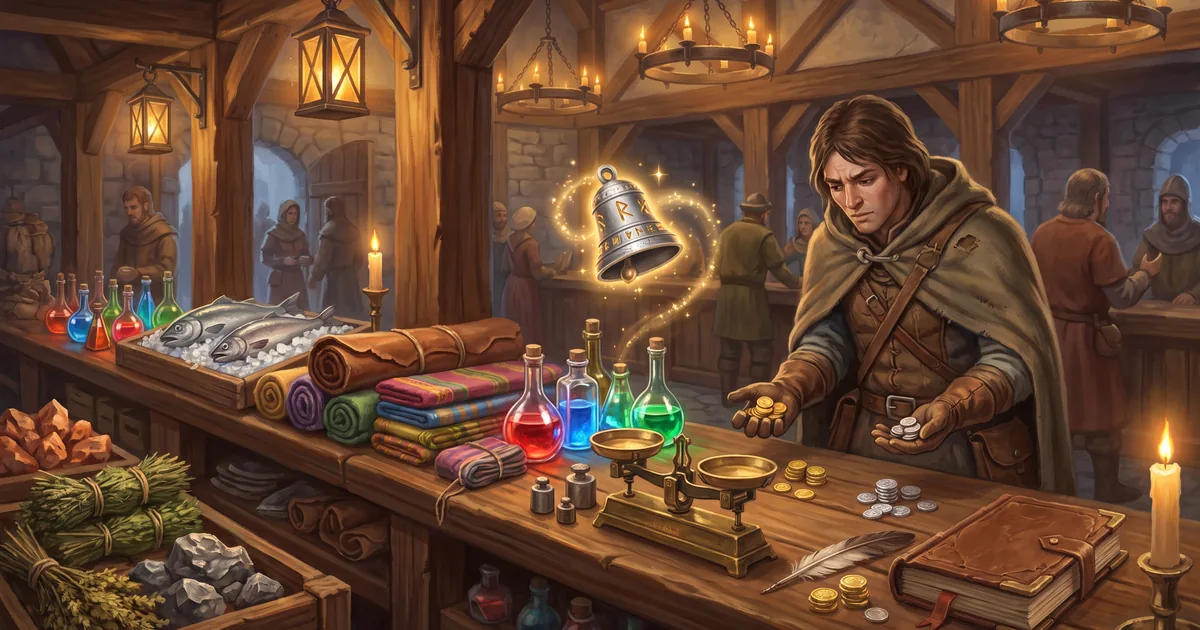
How not to overpay at an MMORPG auction house: compare per-piece prices, check the weekly average and set a Watchlist alert for when an item gets cheaper.
At an MMORPG auction house people overpay less because of greedy sellers than because they’re in a hurry: you need an herb for potions right now, you take the first lot — and an hour later one appears at half the price. In Zarhold, a card MMORPG in your browser, the Auction House is built to make prices easy to compare, and since 22 October it has a Watchlist tab: mark an item and a price, and the game tells you when it shows up at that price or cheaper. Here’s how to buy smart.
How the Auction House works, in short
The Auction House is a market between players, and there’s no bidding: the seller sets a price and the buyer takes the lot at once. A lot has no time limit and stays up until it sells or the seller takes it down — so offers pile up and prices even out over time.
One rule that matters for buyers: a lot can’t be listed below the price the Merchant would pay for it. That’s the floor for any price.
How to sell and what can be listed is covered in The MMORPG auction house, and all the rules with numbers are in the knowledge base: Auction House.
Rule one: compare the price per piece
Stacks come in different sizes: one seller offers 5 herbs, another 20. A pricier lot can be cheaper per piece. That’s why on the “Buy” tab identical goods are grouped into one row, showing the number of lots and the best price — for stacks, per piece too.
Tap an item to open its card: all lots by price, up to the 10 cheapest per piece. “Buy the cheapest” takes exactly the lot shown. If it has already been bought or the seller changed the price, nothing extra is charged — the list refreshes on its own. Stacks have “Buy N pieces”, so you can take exactly as many as you need.
Rule two: know the “usual” price
An item’s row shows the “usual” price — the average sale price per piece over the last 7 days. The card adds a daily price line for the week. For materials and consumables sold at least 3 times in a week you also see “Sold this week: N, on average … each”.
Hence a simple rule: if the best price is well above the usual one, don’t rush. Most likely the cheap lots were just bought up, and new ones will appear. That’s exactly what the Watchlist is for.
The Watchlist: the game tells you when an item gets cheaper
The Watchlist tab is a “notify me when it appears” alert. No gold is needed: a watch costs nothing and holds nothing.
- Open the Auction House → “Watchlist” → “+ Watch an item”. Or search on the “Buy” tab: if there’s nothing, you’ll see a “Notify me when it appears” button, and a stack’s card has “Notify me when cheaper”.
- Find the item by name and enter an “up to” price — per piece.
- Optionally, enter how many you need.
- Press “Notify me when it appears”.
When someone lists the item at or below your price, or lowers a lot’s price to it, a number lights up on the “Auction House” button, a pop-up appears and the Watchlist tab gets a row with a “Buy” button — exactly that lot and never above the price shown. Buying works as usual: first come, first served. If the lot is already gone, the game says so.
What to know about watches:
- What you can watch — identical goods only, i.e. stacks: materials, herbs, ore, leather, cloth, fish, potions, food, scrolls, recipes, gadgets. Gear can’t be watched: every piece has its own random properties.
- How many — up to 10 watches per hero.
- Duration — 7 days, then the watch closes on its own, and you can renew it. Change the price, and the term is 7 days again.
- How many pieces — if you set a number, the watch closes on its own once you’ve bought that many of the item at the Auction House.
- No spam — one lot gives one alert, and within 10 minutes of an alert a new one comes only if a lot is even cheaper.
Each watch shows what’s on the market now: “Available at your price” with a “Buy” button right there, “Now from … each” or “Not on the market yet”.
What “up to” price to set
- Not below the Merchant price. Nobody can list cheaper anyway — such a watch would never trigger, and the game won’t let you set it.
- A little below the usual price. If an item sells often, a price 10–20% below the weekly average tends to show up sooner or later. That’s a rule of thumb, not a game rule: sellers decide.
- For something urgent — closer to the usual price. If you need a potion for tonight’s raid, a higher “up to” price will trigger sooner.
- Set the quantity. Need 20 herbs? Enter 20: the watch closes on its own once you have them and doesn’t take up a slot.
Three more ways not to overpay
- The “Usable by me” filter. On the “Buy” tab, under “Filters”, it leaves only what your hero can equip by class and level. An item your hero can’t equip stands out even without the filter: its type is red in the row, and the card gives the reason.
- Don’t look for what never goes on sale. Personal items can’t be listed. Since 22 October that includes PvP items from the Honor and Valor vendors and arena rewards — they are bound to the hero right away.
- Make it yourself. Many potions, cloth and gear are crafted with professions, and herbs, ore and leather come from gathering. Sometimes a profession pays off better than buying every week: see Which profession to choose.
Auction house FAQ
Does a Watchlist alert cost anything?
No. A watch costs nothing and holds nothing. You only pay for the purchase itself — a normal one, at the lot’s price.
Can I watch a weapon or a piece of armour?
No. Only identical goods — stacks — can be watched. Every piece of gear has its own random properties, so there’s no “same” item.
Will the game buy the item for me when it appears?
No. The game only notifies you: a number on the Auction House button, a pop-up and a row with a “Buy” button. You buy it yourself — first come, first served.
How many items can I watch at once?
Up to 10 watches per hero, each for 7 days, and you can renew them.
Why can’t I set a price below the Merchant price?
Because a lot can’t be listed below the Merchant price, so such a watch would never trigger.
The bottom line
Buying smart at the Auction House is simple: compare per-piece prices, check the weekly “usual” price and don’t rush — put the item on your Watchlist and the game will tell you when it gets cheaper. Open the game and set your first watch on whatever you need for your next run.
Read next
MMORPG auction house: how to sell items, trade with players and make gold
The auction house in the MMORPG Zarhold: listing and buying lots, deposit and fee, stacks of 20, what can’t be sold, mail, trade and how to make gold.

MMORPG professions: crafting, gathering and how to make gold
Professions in the card MMORPG Zarhold: 12 professions, skill-ups by recipe colour, gathering, fishing, enchanting, the auction house and making gold.
Which profession to choose in an MMORPG: craft combos for raids, PvP and gold
Which two crafts to take in Zarhold: what each of the six makes, which combos feed each other, and what to pick for raids, PvP, trading or solo play.