Browser games with no sign-up or download: an MMORPG you can start in a minute
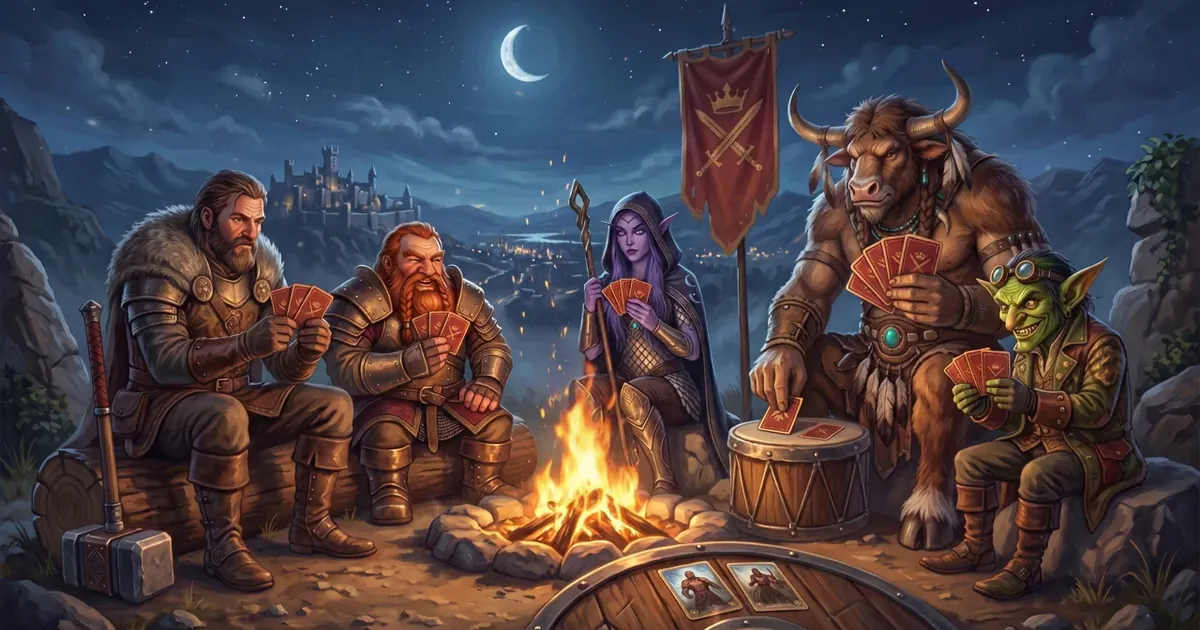
An MMORPG with no sign-up and no download: start Zarhold in a minute with “Play without signing up”, what gets saved and how not to lose your hero later.
Plenty of people want to try a game before they make an account: no inventing a password, no waiting for a code by email, no handing over an address for five minutes of play. With browser games it’s especially annoying — opening a tab is easy, and then you hit a sign-up form.
Zarhold skips that step: the “Play without signing up” button takes you straight to creating a hero. Below is how it works, what happens to your progress, and when it’s worth linking an email after all.
Why online games ask you to sign up
An online game keeps your progress on its server, not on your computer. So it needs to know whose hero it is: to let you — and nobody else — back in tomorrow, and to let you continue on another device. That’s why games usually ask for an email and password before your first fight.
The downside for players is obvious: a few minutes go on forms, and if you don’t like the game, its emails stay in your inbox.
How to play Zarhold without signing up, step by step
- Open zarhold.com/en (or ru.zarhold.com) and press “Play” — the game starts right in your browser, on a computer, tablet or phone. There’s nothing to download.
- On the “Camp over the Valley” title screen press “Play” to reach the “Two Paths” entrance.
- On the left, under “New to Zarhold”, press “Play without signing up”. No email or password needed.
- Create your hero: choose a race, a class and a name. “Creating a hero” and “Which class to choose” will help.
- That’s it — you’re in. The first quests can be done solo and teach you the basics of card combat.
What you can do without signing up
Everything you can do with an account. A guest is a full player:
- does quests across 26 lands and levels up to 60;
- runs dungeons from level 10 — empty group slots are filled by residents of the world;
- fights in the arena from level 1, on the battleground and in duels;
- learns professions, trades on the auction house, joins a guild and chats.
The only thing a guest can’t do is buy from the Shop: before your first purchase the game asks you to save your hero. That’s on purpose, so that what you buy doesn’t live in a single browser.
What happens to your hero if you don’t sign up
A guest’s progress is stored on the server like everyone else’s. But only the browser you play in “remembers” the way in to your hero. So there are three things to know:
- You can’t log in from another device without an email. Started on a computer? You can continue on your phone only after your hero is saved.
- Clearing the site’s data in your browser or logging out without linking an email means losing access to your hero. The game warns you before you log out.
- The game will remind you. At level 5 a “Save your hero” window appears (once — you can put it off with “Later”), and before your first purchase it’s required.
How to save your hero in a minute
You can save your hero at any time: “More” → “Save progress” — or in the “Save your hero” window when it pops up.
- Press “Link email” and enter an email and a password of at least 8 characters.
- A 6-digit code arrives by email; it’s valid for 15 minutes. Enter it in the game.
- Done: the email and password are now the way in to the same account. Your hero, their items and level are all there, and you can log in from any device.
Save your hero early and you can start on a computer and carry on on your phone — more in “A cross-platform MMORPG on PC and phone”.
Other ways to log in
- Sign up with email — the usual way: an email, a password of 8+ characters and a confirmation code.
- Sign in with Google — no separate password for the game.
- VK Play. If you play on VK Play, you log in with your VK Play account, and you can sign in to the website with a code from the game.
Already have a hero? On the right of the “Two Paths” entrance, under “I already have a hero”, choose the same way you logged in before.
No sign-up FAQ
Can I really play without signing up, for free?
Yes. “Play without signing up” takes you straight to creating a hero, and Zarhold is free to play in your browser. There’s nothing to download either.
Will I lose my progress if I close the tab?
No. Progress is stored on the server, and in the same browser you’ll get back to your hero. You can only lose it by clearing the site’s data in your browser or logging out without saving your hero.
Can I move my guest hero to an email account later?
Yes — that’s what “Save your hero” does: the email is linked to the same account, and all your heroes stay where they are. No need to create a new hero.
How many heroes can I create?
One account has 10 hero slots. More in “Creating a hero”.
Does no-sign-up play work on a phone?
Yes: on a phone the game opens in the browser and the button is the same. It’s more comfortable to hold your phone sideways — see “Playing on a phone”.
The bottom line
A browser MMORPG with no sign-up means no forms or emails between wanting to try it and your first fight. In Zarhold it goes: website → “Play” → “Play without signing up” → hero. And once you know the game is for you, save your hero in a minute and play from any device. Try it right now, and the beginner’s guide will tell you what comes next.
Read next
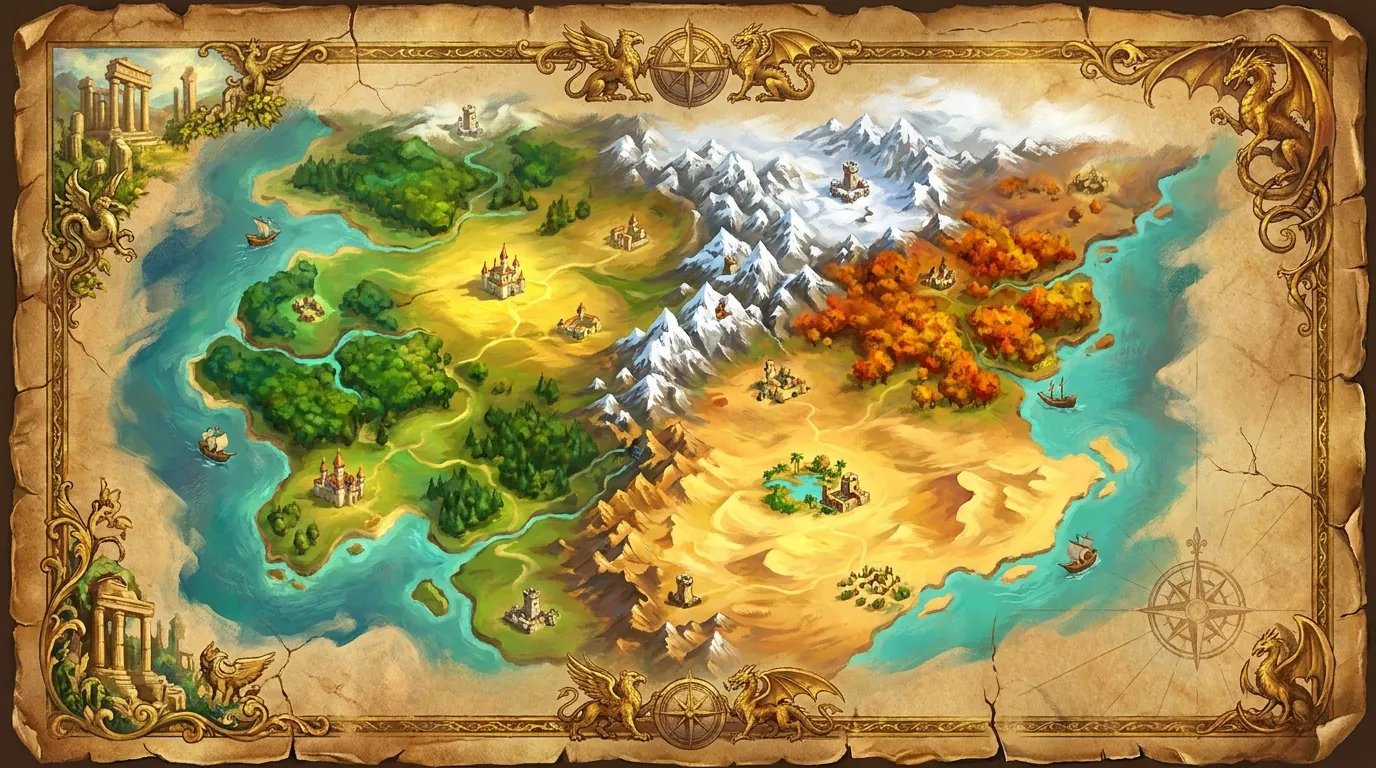
Browser MMORPG with no download: what to play and how Zarhold works
How to pick a browser MMORPG with no download, and what’s inside Zarhold: 26 zones, dungeons, raids, professions, guilds and PvP — all in a browser tab.
Beginner’s guide: how to start playing a card MMORPG
A Zarhold beginner’s guide: signing up, creating a hero, the tutorial, first quests, the shop, talents and your first dungeon — all about levels 1 to 10.
A cross-platform MMORPG: play on PC and phone with the same progress
An MMORPG with one hero on your computer and phone: how to switch devices, continue a dungeon run elsewhere and what happens if your connection drops.