Combat log and damage meter: how to review a fight in groups, raids and PvP
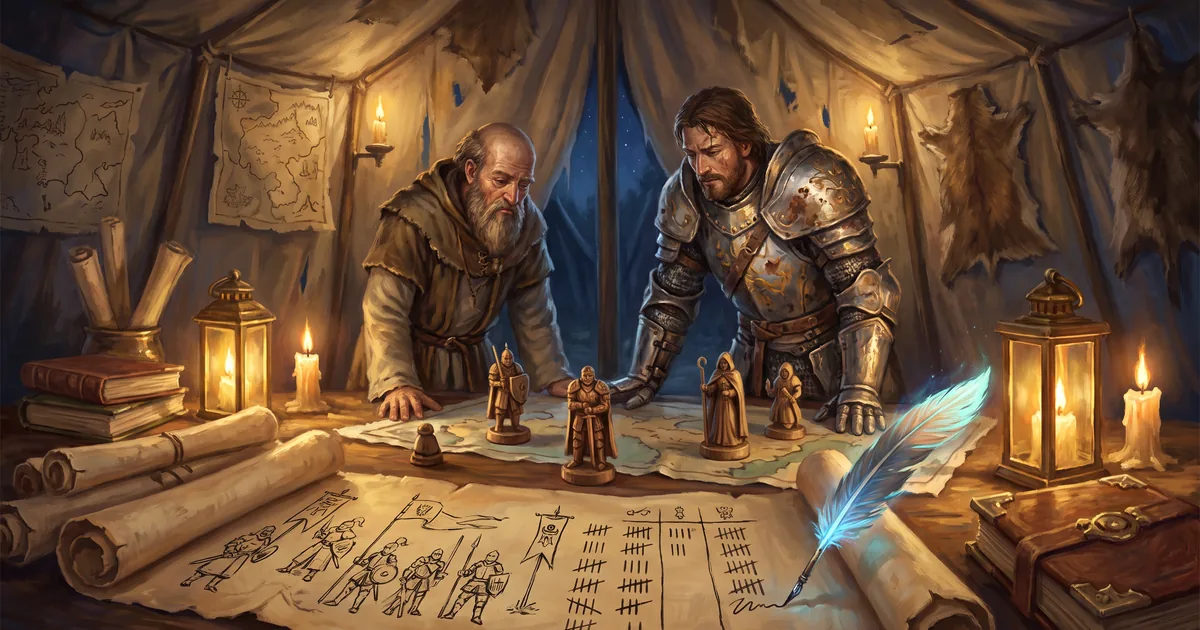
How to review a fight in an MMORPG: a combat log and damage meter in every fight, dealt vs counted, the fight summary and Battle Chronicles scored 0–100.
You lost the fight and you don’t know why. The tank fell on turn seven, the healer “was healing”, the damage dealers “were hitting”. In a turn-based card MMORPG the answer is always in the numbers: who dealt how much, how much of it actually reached the enemy, who healed how much and who took the hits. Zarhold has three tools for this — a combat log and damage meter right in the fight, the fight summary window after it, and the public Battle Chronicles on the website. Here’s where to find them and how to use them.
Where the combat log and damage meter are
In a fight, tap ☰ — the panel under the “End turn” button (on a computer the default key is L, and keys can be rebound). It has three tabs: Damage, Heal and Log. Every new fight opens the panel on Damage; switch to Log and it will keep opening on Log until that fight ends.
Since the 22 October update the panel is the same in every fight: a run with a live group, a raid, a world boss, a duel, the arena and a group battleground. Fights run by the server used to have only the log — now the server sends the meter’s numbers, so they are the same everywhere.
Damage: dealt vs counted
The main line of the tab is “dealt · counted”. These are two different numbers, and the gap between them is the first answer to “why did the fight drag on”.
- Dealt is the strength of your hits before the enemy’s defence, with all boosts and combos.
- Counted is what reached the enemy’s Health and shield. Hitting a shield counts too.
The “?” button shows where the difference went: enemy defence, overkill (damage beyond the enemy’s remaining Health), the round limit (PvP only) and an enemy’s special rules. If enemy defence eats a big share, look at cards and talents that deal with it; if overkill is large, your big hits land on enemies who are almost dead.
Below that is the list of sources: cards, combos on their own line (their bonus to card damage), effects (damage over turns), class power, racial ability, items and guards. Tap a line to see its breakdown: how many times it was played, how much was dealt and how much counted.
The Per fight / Per turn switch shows the whole fight or any of your turns (arrows ◂ ▸). At the bottom are your average per turn and peak, with the turn number. Average lower than usual and the peak in the first turns? Your hand may be running dry by mid-fight — a reason to look at your deck again.
Heal: healed, overhealed and shields
For healers and anyone who keeps themselves alive, there’s the Heal tab:
- healed — Health that came back;
- overhealed — healing beyond full Health. It isn’t lost: it turns into a permanent shield;
- shields — shields you applied.
Enemy healing isn’t shown here — only your side.
Log: the fight turn by turn
The third tab is the record of the fight itself: who played what, on whom, how much damage and healing. Lines are coloured by type — damage, healing, system messages — so you can find what you need at a glance. In PvP a “Round limit” line appears here when a hit runs into the arena rule. The log is the best place to find the moment the fight broke — for example, the turn after which the tank stopped holding the enemy.
Groups, raids and PvP: whose numbers you see
- In a party the meter shows every ally’s numbers — tank, healer and damage dealers — with your own sources below.
- In PvP you see only your side during the fight: no peeking at your opponent’s numbers.
- After the fight every participant gets the 📊 Fight summary window — and there you see everyone: allies, opponents and world residents (marked as residents).
Fight summary: a review right after the fight
The summary has Damage, Heal and Received tabs (Health lost and damage absorbed by shields). At the top are four cards: most damage, most healing, most damage taken and most killing blows. In PvP there’s a tug-of-war bar between the teams; in a run, enemies are listed as a separate group with their own scale.
Any fighter’s row expands: numbers, by turn, what they hit with, and if they fell — when, and from which final hits. The Share button posts a link to the summary in guild, group or world chat — handy for reviewing a fight as a team.
Battle Chronicles: a report of any fight on the website
Heroes’ fights go into the public [Battle Chronicles](/hroniki) (except training-dummy fights) — on the website and on the Chronicles screen in the game (opened from the Armory, the character sheet and the fight summary). A fight report has a header (fight type, difficulty, outcome, number of turns, date, server check), the same damage, healing and damage-taken tabs, deaths, a breakdown by turn, what they hit with, by target and each fighter’s build: talent branch, items and set bonuses. If the fight was restored after a dropped connection, the report says so: the numbers are incomplete.
Boss rankings and the 0–100 score
In the [boss rankings](/hroniki/rejting) each role has its own measure, all counted “per turn”:
- damage dealers — damage to the boss;
- healers — healing and shields, minus shields that were never used;
- tanks — damage taken.
It’s divided by every turn of the fight: whoever falls earlier gets less. The 0–100 score is the percentage of heroes you beat: 100 is the best result on that boss. The score’s colour follows item rarity: grey up to 24, green up to 49, blue up to 74, purple up to 94, orange up to 98, pink at 99 and gold at 100. There’s also a second score — among heroes with a similar item level. Only fights whose outcome the server verified go into the rankings, and world residents don’t take part.
PvP and classes
The [PvP](/hroniki/pvp) section shows the win rate of classes, talent branches and races in the 1v1 to 5v5 arena, on battlegrounds and in duels — by level band. The [Classes](/hroniki/klassy) section shows how classes and branches deal damage, tank and heal: the median, the top 25% and the top 5%.
How to review a lost fight: five steps
- Open the fight summary → Received. Who took the most? If it wasn’t the tank, the enemy left the tank — find out when.
- Find that turn in the log. What did the tank play before it, what did the enemy play? Boss fight rules are in the knowledge base: fighting a boss.
- Check “dealt · counted” for your damage dealers. A big gap from defence means it’s time to rethink talents and cards; a gap from overkill means damage is wasted on enemies who are almost down.
- Look at the healer’s Heal tab. Lots of “overhealed” and little “healed” means healing goes to the wrong place or too early. In PvP remember that from your 10th turn healing and shields weaken: PvP combat rules.
- Compare yourself with others in the Chronicles. A score of 30 on a boss where heroes of your item level score 70 speaks for itself. Practise combos and talents risk-free on the training dummy.
Combat log FAQ
How do I turn on the damage meter in a group fight?
Tap ☰ in the fight — the panel under “End turn”. Since 22 October the Damage, Heal and Log tabs are in every fight: a run with a live group, a raid, a world boss, a duel, the arena and a battleground.
Why is “counted” lower than “dealt”?
Part of the damage is stopped by the enemy’s defence, part is overkill beyond their remaining Health, and in PvP there’s also a damage limit per round. The “?” button next to the numbers shows how much went where.
Can I see my opponent’s damage in the arena?
Not during the fight: the meter shows only your side. After the fight, the fight summary and the Battle Chronicles show the numbers of every participant.
Do fights with world residents count in boss rankings?
Your fight does, if the server verified its outcome. The residents themselves don’t take part in the rankings: only live heroes compete there.
The bottom line
The combat log and damage meter are now in every fight, every participant gets a fight summary, and the Battle Chronicles keep reports of your fights. A loss stops being a mystery: you can see who dealt, healed and took how much, on which turn things went wrong and how you compare with other heroes. Jump into the game, play a fight and open ☰ — and to learn how runs work, read Dungeons and raids.
Read next
Training dummy and damage meter: how to test your hero’s damage in an MMORPG
How to test your hero’s damage in an MMORPG: five training dummies, a damage and healing meter, a training summary and gear set comparison in Zarhold.
Dungeons and raids in an MMORPG: bosses, loot and group play
What dungeons and raids are in an MMORPG and how they work in Zarhold: 23 dungeons, 6 raids, 3 world bosses, group roles, boss rules and loot.
PvP in a card game: a 1v1 to 5v5 arena and battlegrounds
How PvP works in the card MMORPG Zarhold: 1v1, 2v2, 3v3 and 5v5 arena, two battleground modes, rating, seasons, rewards and the Resilience stat.