Gear
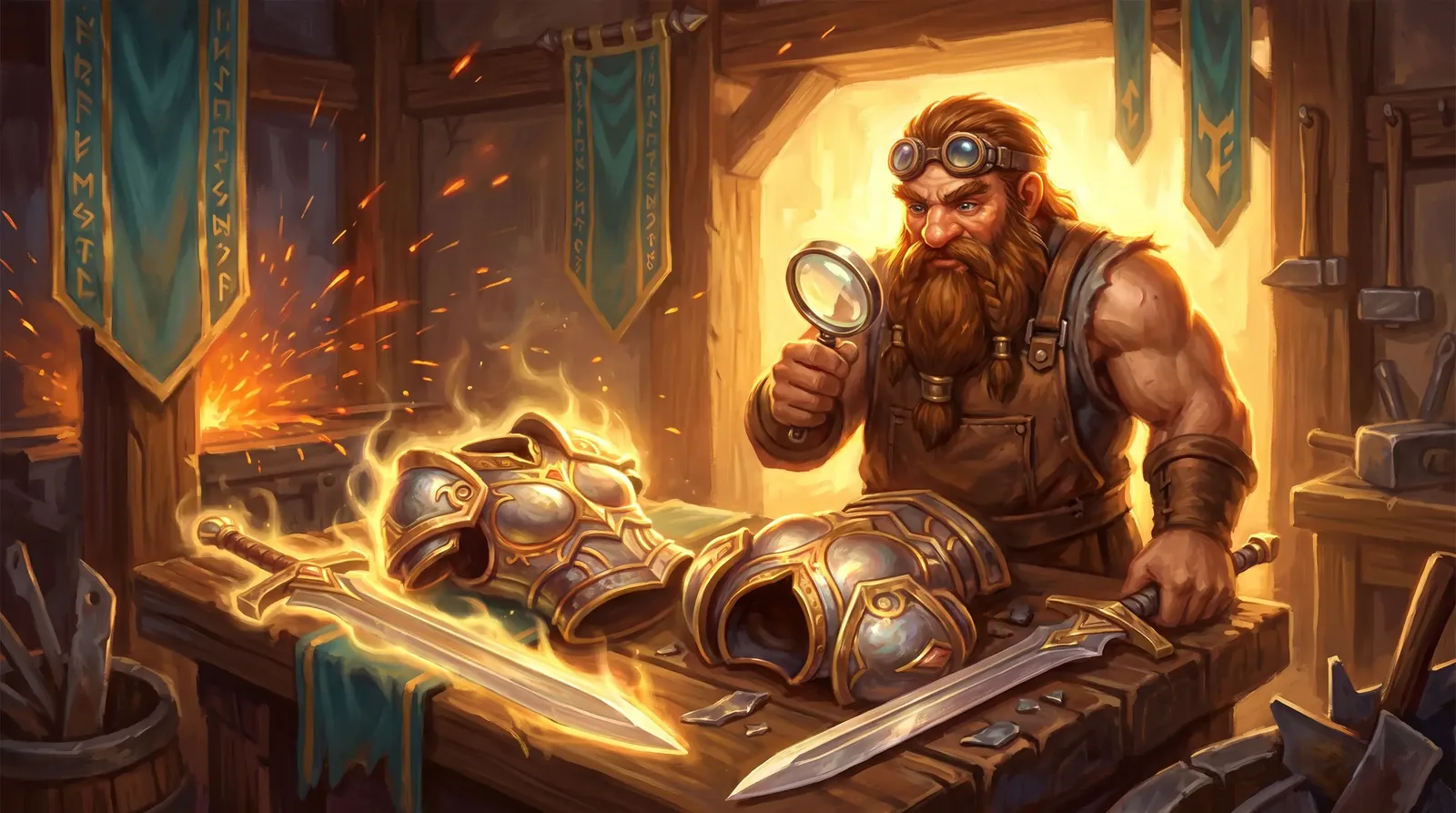
Item comparison: see at once whether it is better
Hover an item to see the equipped one next to it with the difference for every stat; on phones, a table in the item menu.
On a computer, hover an item in your bag, a shop, the auction house, mail or loot to see the equipped item next to it, with the difference shown for every stat. On a phone, tap the item and the menu shows a This · Equipped · Difference table.
Rings and accessories are compared with the weaker of the two you wear, two-handed weapons with the main hand and off hand together. An arrow on the item icon in your bag tells you at a glance: green is better than what you wear, red is worse.